
GoPDF
FreemiumAsk questions, summarize documents, and extract information from PDFs with AI.
工具信息
什么是 GoPDF?
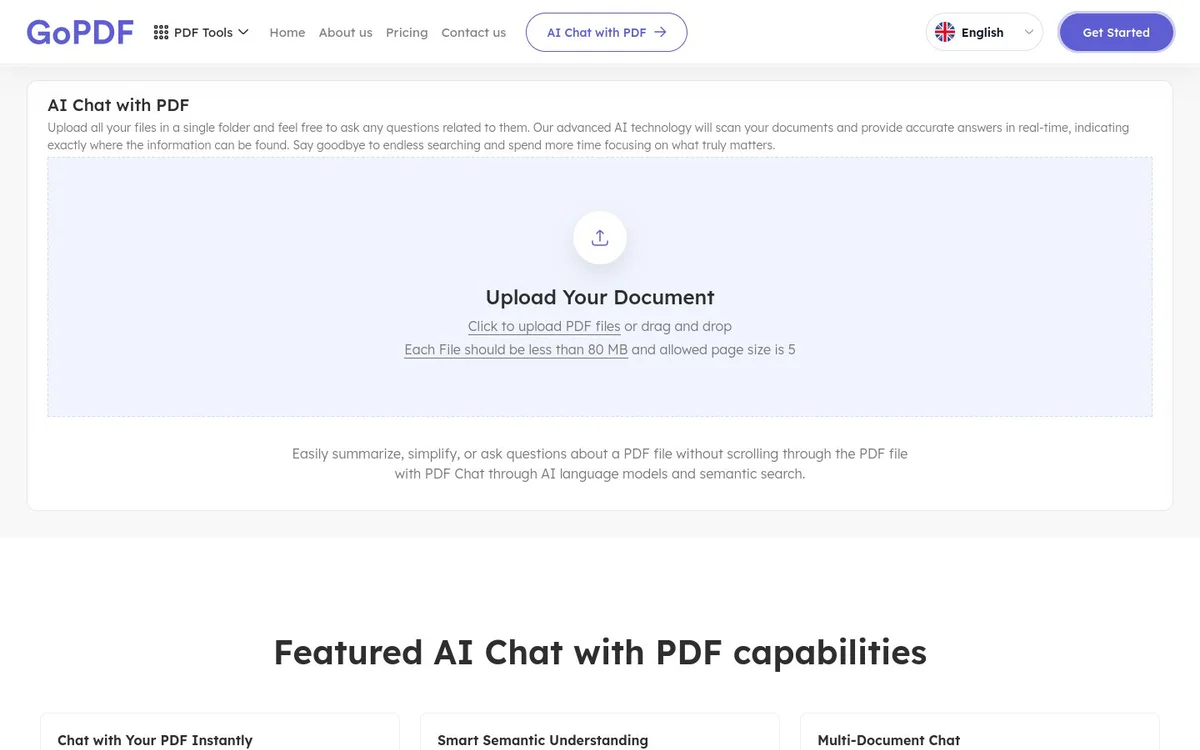
GoPDF is a browser-based AI PDF assistant for analyzing single or multiple PDF files. It supports document-based questions, semantic search, summaries, page citations, and OCR for scanned or image-based PDFs.
核心功能
AI chat with PDFs
Upload a PDF and ask questions to receive answers based on the document's content.
Semantic search
Find relevant information by meaning rather than relying only on exact keyword matches.
Multi-document chat
Upload multiple PDFs and analyze or compare them in one chat workspace.
Page citations
Review page numbers or highlighted sections included with answers to verify their source.
PDF summaries
Generate summaries of entire PDFs or selected sections.
OCR for scanned PDFs
Extract text from scanned and image-based PDFs so the documents can be searched and used with PDF chat.
Searchable PDF creation
Add searchable text layers to scanned PDFs while preserving their original layout.
使用场景
- #1
Document question answering
Ask questions about uploaded PDF content and receive document-based answers.
- #2
Research and comparison
Analyze and compare multiple PDF documents in one chat workspace.
- #3
Long-document summarization
Summarize entire documents or specific sections to identify key points.
- #4
Scanned document analysis
Use OCR to make scanned or image-based PDFs searchable and available for interactive analysis.
- #5
PDF accessibility and indexing
Convert image-based PDF content into searchable text for accessibility, indexing, and document management.
定价方案
The official source states that PDF chat has a free version, with optional premium plans for higher limits and advanced features. Specific plan prices are not clearly published in the source snapshot.
替代工具







常见问题
What is GoPDF?
Can GoPDF analyze multiple PDFs?
Does GoPDF support scanned PDFs?
Does GoPDF provide citations for its answers?
Is GoPDF free?
Are there file limitations?
GoPDF 联系方式与社交媒体
- 支持
- 网站:
- Facebook
- Instagram
- YouTube