
HeyPhoto
FreeFree online AI photo editor for tuning facial features in selfies and group photos
工具信息
什么是 HeyPhoto?
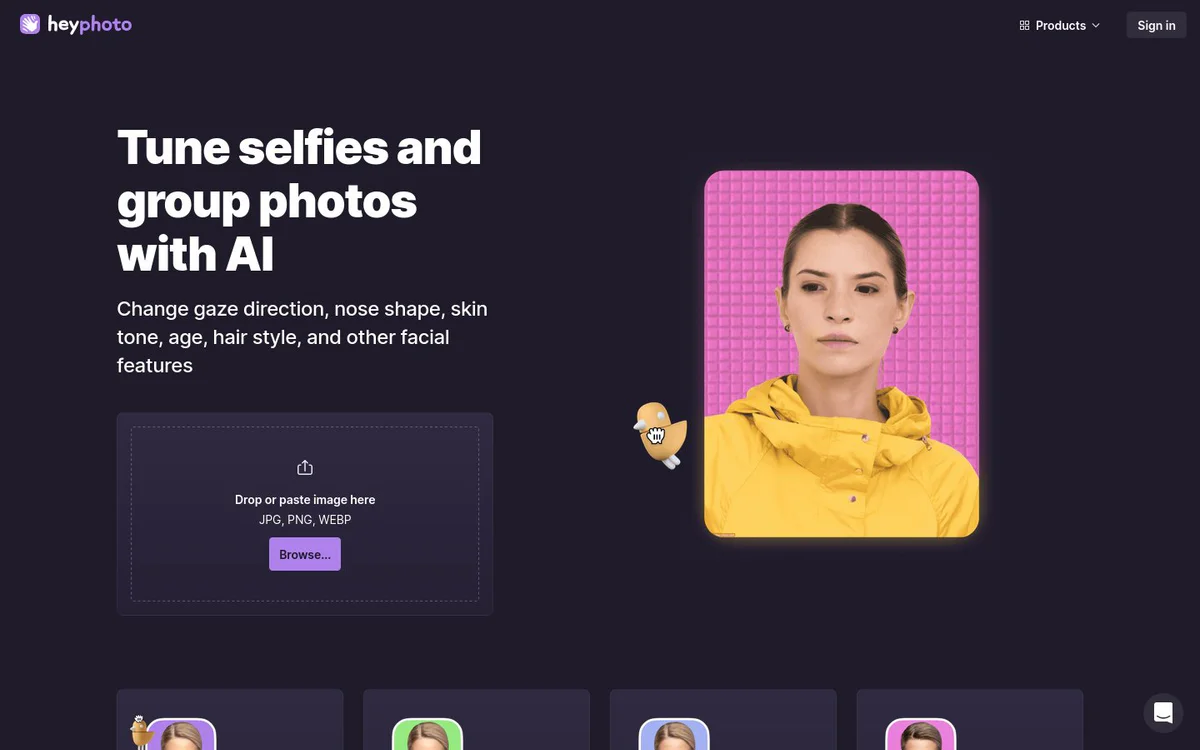
HeyPhoto is a free online AI photo editor that lets users apply AI-based edits to faces in photos. It supports changes such as smile level, age, gender appearance, emotions, gaze direction, and anonymization, with more facial tools listed as forthcoming. The service detects faces automatically and works on selfies and group photos without requiring special skills.
核心功能
Gimme a smile
Set the required level of happiness on a detected face.
Change my age
Edit age to meet your future self or recapture your youth.
Change gender
Make a face appear more masculine or feminine.
Tweak emotions
Change facial expression to match any desired mood.
Look at bird
Change eyes and gaze direction by dragging a bird interface element.
Anonymize me
Keep identity private and become invisible to face recognition systems.
Adjust skin tone
Get a preferred skin tone (marked as Soon).
Make new nose
Play around with nose shapes (marked as Soon).
Reshape my face
Gain or lose weight appearance instantly (marked as Soon).
Add makeup
Apply eye shadows, eyeliner, and lipstick (marked as Soon).
Try new hair styles
Alter the entire look with new hair (marked as Soon).
使用场景
- #1
Smile and expression editing
Add or adjust smiles and other emotions on faces in photos.
- #2
Age editing
Preview future appearance or recapture younger looks in photos.
- #3
Face anonymization
Protect privacy by making faces unrecognizable to face recognition systems.
- #4
Dating profile photo tuning
Improve selfies for use on Tinder and similar apps.
- #5
Gaze and feature adjustment
Change eye direction and other facial attributes in selfies or group photos.
定价方案
HeyPhoto is free to use. A watermark is placed on the resulting photos.
替代工具








常见问题
Is HeyPhoto free to use?
What facial edits can I make with HeyPhoto?
How does HeyPhoto work?
Are there any limits on photo size or quality?
Can I use HeyPhoto to protect my privacy?
HeyPhoto 联系方式与社交媒体
- 公司Icons8 LLC
- 网站:
- Twitter
- Facebook
- Instagram
- YouTube
- LinkedIn
- TikTok