
Littlebird
FreeAI assistant that remembers work context across meetings, messages, documents, and apps
工具信息
什么是 Littlebird?
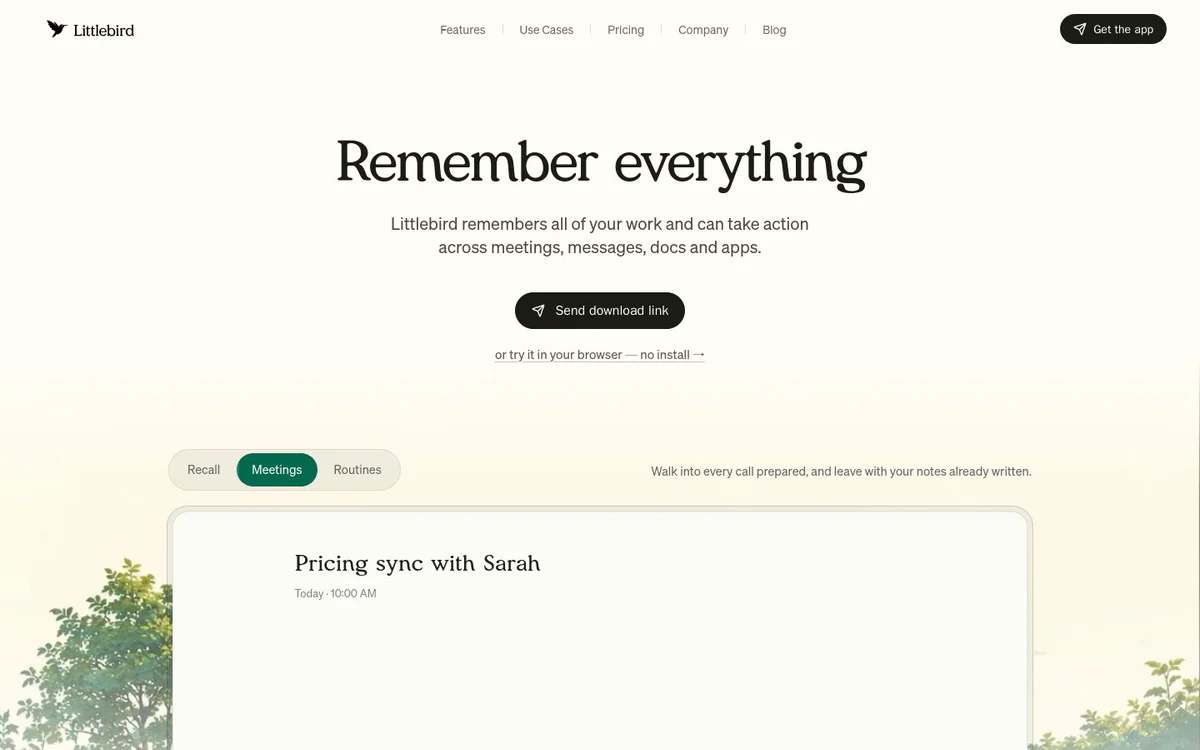
Littlebird is a context-aware AI assistant that builds memory from a user's screen, meetings, messages, docs, and apps so users can ask questions, generate notes and content, and receive proactive insights without re-explaining their work.
核心功能
Chat
Chat with an AI that already understands projects, preferences, priorities, documents, conversations, and Gmail content for relevant answers and content without needing backstory or pasting.
Meeting Notes
Automatically transcribes, summarizes, and produces perfect notes from meetings plus preparation for upcoming ones so users can stay present.
Routines
Automate schedules and briefs such as morning briefings or weekly project updates delivered on a chosen schedule based on real work.
Hummingbird
Overlay assistant available via keyboard shortcut that appears over the current window, sees the screen, and uses existing work context without switching apps.
Content creation
Generate summaries, emails, reports, documents, and drafts that match the user's writing style and draw on existing projects.
Screen-based context memory
Runs in the background to build context from the screen so it can surface any seen document, email, website, or conversation in seconds.
Cross-app assistance
Acts as an assistant across meetings, messages, docs, and apps, remembering work and taking action when needed.
Security and data control
User controls what is seen, kept, or forgotten; supports deleting data or account; enterprise-grade encryption.
使用场景
- #1
Business leadership
Helps founders, executives, and managers recall details, prepare for meetings, and cut busywork with contextual AI support.
- #2
Creative work
Supports marketers, designers, and freelancers in generating on-brand content and organizing projects from existing work context.
- #3
Technical and product work
Assists developers, engineers, and product managers with recall across docs, messages, and meetings.
- #4
Health professionals
Provides contextual assistance for doctors, therapists, and clinicians to manage information without repeated setup.
- #5
Client-facing roles
Aids sales, consultants, and account managers with meeting notes, content drafts, and project insights.
- #6
Knowledge and education
Supports researchers, academics, and students in finding and synthesizing information from seen sources.
- #7
Personal productivity
Helps individuals, household managers, and caretakers organize life, cut busywork, and maintain personal context.
定价方案
Download for free (Mac and Windows) with a heading noting save hours of work for free; browser trial without install is also mentioned. Full paid tiers or limits are not detailed in the provided official sources.
替代工具







常见问题
What is Littlebird?
Is Littlebird free?
What platforms does Littlebird support?
Does Littlebird work with Gmail?
What is Hummingbird?
How does Littlebird create meeting notes?
How does Littlebird handle security and data?
Who can use Littlebird?
Littlebird 联系方式与社交媒体
- 支持
- 网站:
- Twitter
- Instagram
- YouTube
- LinkedIn