
Webcam Effects
FreeAI-powered virtual backgrounds, blur, beautification, and effects for browser webcam video
工具信息
什么是 Webcam Effects?
Webcam Effects is a Chrome extension that enhances real-time webcam streams in the browser for online video conversations, presentations, and streaming. It replaces or blurs backgrounds, adjusts layouts, beautifies appearance, provides auto-framing, and adds fun visuals using AI directly in your browser.
核心功能
Virtual Backgrounds
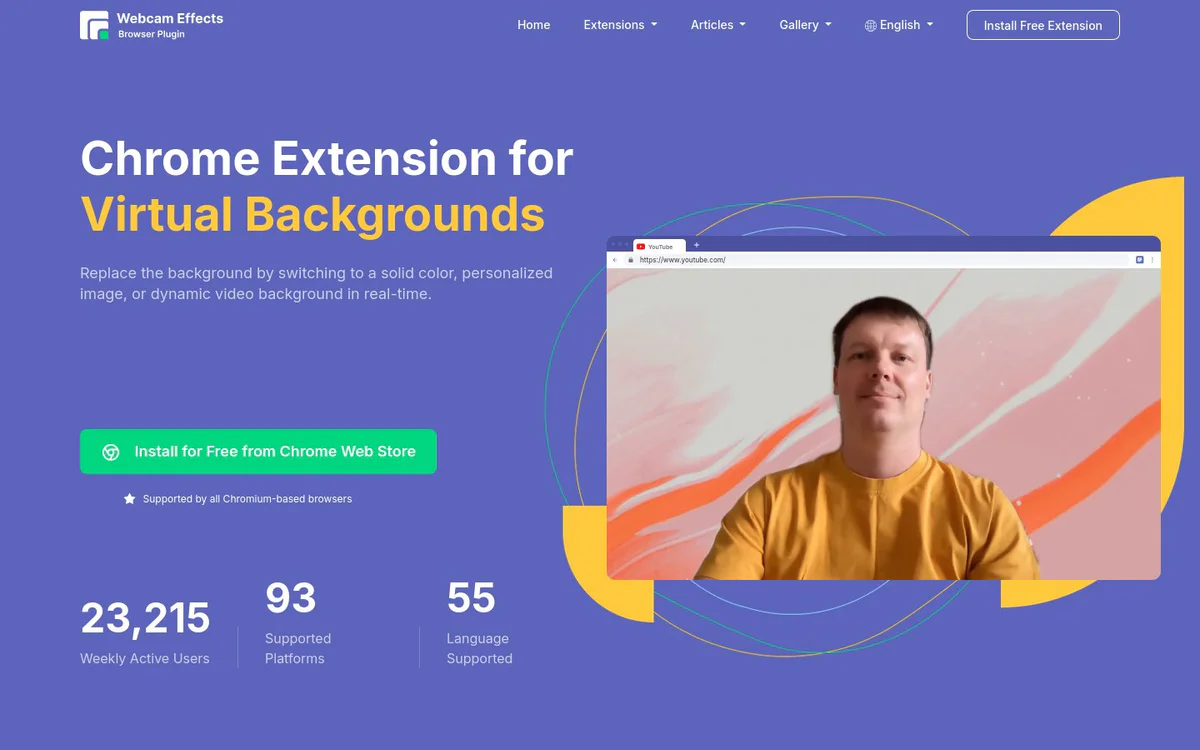
Replace the background by switching to a solid color, personalized image, or dynamic video background in real-time.
Background Blur
Automatically blur the webcam background using advanced AI technology directly within the browser, with adjustable blur intensity for video clarity.
Custom Layout
Optimize video frame layout for presentations by strategically positioning the face and highlighting key information for effective content streaming and viewer engagement.
Smoothness and Beautification
Enhance on-screen appearance with face beautification that diminishes imperfections like acne and eye bags, smooths skin, and adds gentle lighting for a flawless video call experience.
Smart Zoom
Provide real-time auto-framing to keep the user in focus and deliver a professional virtual presence during video calls.
Emoji and Giphy
Integrate real-time Emoji and Giphy features into video calls to boost engagement with fun and expressive visuals.
使用场景
- #1
Privacy-protected video calls
Filter out messy rooms, inappropriate elements, or secret information from the background during online video streaming.
- #2
Professional remote work presence
Maintain a professional look while working from home, cafes, or public places during video calls and presentations.
- #3
Appearance enhancement for video conversations
Apply skin smoothness, bright colors, white balance, and lighting effects to improve attractiveness on camera.
- #4
Fun and engaging social or team calls
Add entertainment and expressive visuals with friends or colleagues during video conversations.
- #5
Browser-based video streaming and presentations
Support layouts, recording of single sources or whole tabs, and effects for any browser-based video streaming platforms.
定价方案
Install free extension from the Chrome Web Store; essential features available without complex configurations.







