
BoltAI
UnknownA native AI workspace for Mac with access to cloud and local models.
Tool Information
What is BoltAI?
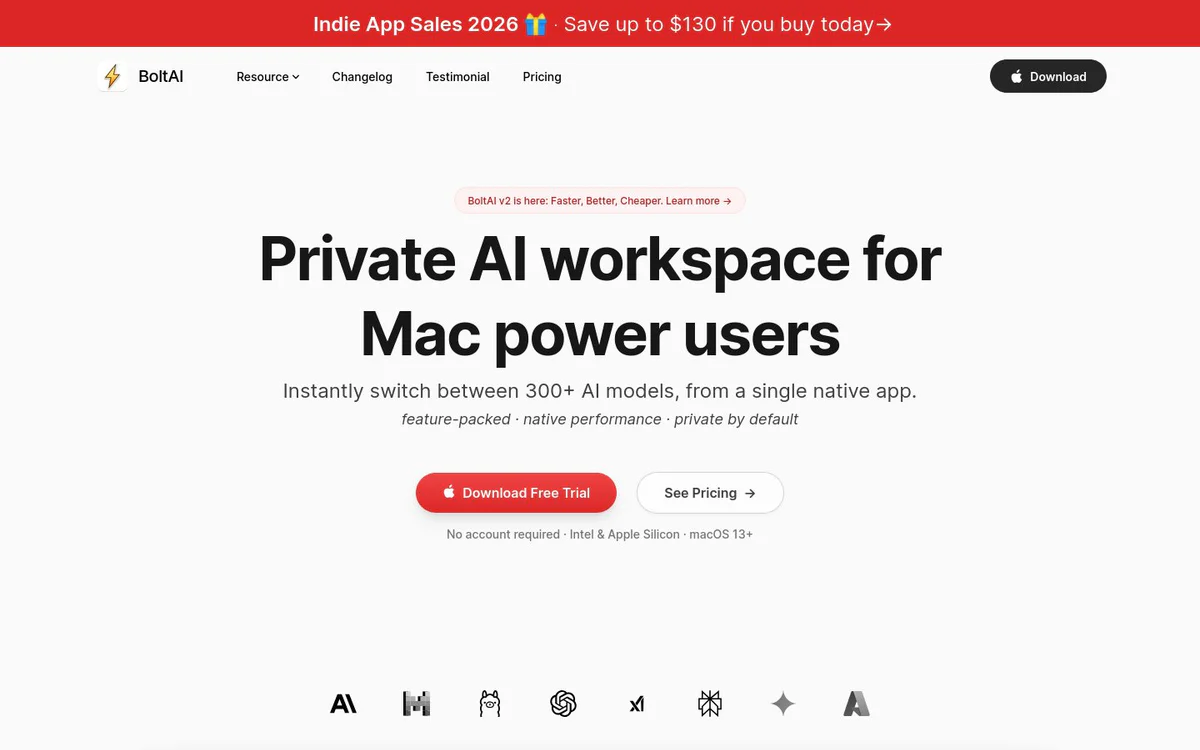
BoltAI is a native AI workspace for Apple devices that brings more than 300 AI models into one application. It supports cloud and local language models, multimodal analysis, structured AI workflows, and productivity tools for coding, writing, research, and document analysis.
Core Features
Multi-model AI workspace
Switch between more than 300 AI models from a single native application.
Multiple AI providers
Use models from OpenAI, Anthropic, Google, Mistral, Azure, Bedrock, and local model providers in one workspace.
Multimodal analysis
Analyze PDFs, screenshots, code, user-interface captures, and research documents with vision-enabled models.
Workflow organization
Create projects, multi-chat threads, forks, reusable agents, context profiles, and prompt libraries for structured work.
Global shortcut access
Open BoltAI over any application with a keyboard shortcut to explain code, rewrite text, summarize webpages, or work with on-screen content.
Screenshot and dictation tools
Capture the screen for AI answers and use dictation or inline editing for hands-free productivity.
Local model support
Run language models locally through Ollama and LM Studio for private responses without per-token costs.
MCP and tool extensions
Connect to local and remote MCP servers, configure tools per agent, and extend workflows with code execution, tools, skills, and custom knowledge.
Privacy controls
Store chats locally, encrypt API keys with a passphrase, and keep chats excluded from model training according to the official product description.
Cross-device synchronization
Use BoltAI on Mac, iPhone, and iPad with chats, agents, and projects synchronized through the cloud.
Generation controls
Adjust temperature, maximum tokens, top-p/top-k, penalties, and system instructions.
Use Cases
- #1
Coding assistance
Explain code, analyze code-related screenshots, and support coding workflows from within the current application.
- #2
Writing and editing
Rewrite text, edit content inline, and use reusable prompts for recurring writing tasks.
- #3
Research and document analysis
Summarize and extract structured information from PDFs, screenshots, research documents, and attached files.
- #4
AI workflow automation
Build reusable agents, connect MCP tools, execute code, generate documents, and extract data within configured workflows.
- #5
Private local AI use
Run local models through Ollama or LM Studio for private responses without per-token costs.
Pricing Plans
Pricing is not clearly published in the official source snapshot.
Alternatives







Frequently Asked Questions
What is BoltAI?
Which devices support BoltAI?
Can BoltAI run local AI models?
Which AI providers can be used with BoltAI?
Can BoltAI analyze files and screenshots?
Does BoltAI support MCP servers?
Is BoltAI available for Windows?
How much does BoltAI cost?
BoltAI Contact & Social Media
- Support
- Website:
- Twitter
- YouTube
- GitHub
Reviews
Share your experience with this tool...