
ClickMeeting
FreemiumBrowser-based webinar and video conferencing platform for live, automated, on-demand, and paid online events.
Tool Information
What is ClickMeeting?
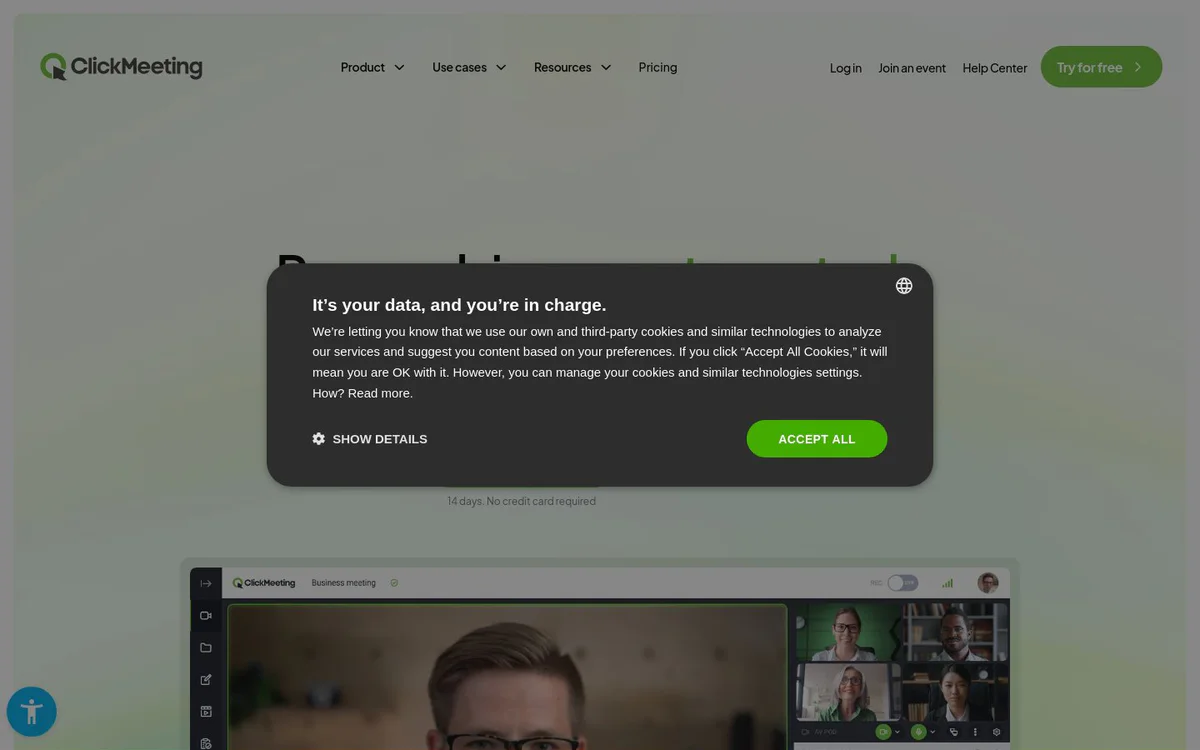
ClickMeeting is a browser-based platform that enables hosting of webinars, online meetings, and large virtual events for knowledge sharing, monetization, lead generation, e-learning, sales, and secure collaboration without software installation.
Core Features
Live webinars
Host live webinar events as part of an all-in-one platform supporting events from small meetings to large conferences.
Paid webinars
Sell virtual tickets with payment system integrations, discount codes, promotions, donations, paywall, automated invoicing, and monetization of recordings.
Automated webinars
Run automated and on-demand webinars with automation for reminders, recording delivery, certificates, thank-you notes, and invoicing.
Online meetings
Conduct online meetings and secure consultations as part of the event types supported by the platform.
Breakout rooms
Use breakout rooms for focused group interaction within webinars and virtual classrooms.
Screen sharing
Share screens during webinars and meetings to support presentations and collaboration.
Virtual whiteboard
Collaborate visually with a virtual whiteboard during sessions.
Surveys and polls
Engage audiences with surveys and polls during events.
Webinar recording
Record webinars and deliver recordings automatically, including on-demand monetization options.
AI transcription
Generate AI transcriptions as part of automation features to save time.
Lead generation tools
Capture leads with registration forms, CTA buttons, waiting rooms with agenda, custom branding, personalized invitations, multistreaming, automated follow-ups, and notifications.
Event statistics and reports
Access event statistics and webinar reports for analytics and marketing insights.
Use Cases
- #1
E-learning and online training
Invite audiences to secure virtual classrooms with e-learning tools, breakout rooms, surveys, whiteboard, and recordings for training and knowledge sharing.
- #2
Paid webinars and online courses
Monetize expertise by selling tickets, using payment integrations, discounts, paywalls, and automated invoicing for masterclasses and masterminds.
- #3
Lead generation and marketing
Generate leads and build brand through webinar marketing tools covering the full funnel, including forms, CTAs, multistreaming, and automated follow-ups.
- #4
Product sales and demonstrations
Present and sell products using online events and webinars as part of marketing and sales strategies.
- #5
Secure meetings and consultations
Organize secure meetings, consultations, and training sessions with privacy-focused features.
- #6
Large online events
Host large webinars and conferences for thousands of participants, including enterprise-scale events for tens of thousands.
- #7
Enterprise collaboration
Use customized enterprise service packages for organizational needs, including multi-user accounts and private branding.
Pricing Plans
Free trial available for 14 days with no credit card required; free account option to try with no commitments; conversion to paid packages supported; no hidden costs claimed on site; specific package prices not detailed on the provided snapshots.
Alternatives







Frequently Asked Questions
What is ClickMeeting?
Does ClickMeeting require any software installation?
Can I try ClickMeeting for free?
What types of events can I host with ClickMeeting?
Does ClickMeeting support monetizing webinars?
What engagement and collaboration tools are available?
Who is ClickMeeting designed for?
Are specific pricing details published?
ClickMeeting Contact & Social Media
- Support
- Website:
- Facebook
- YouTube
- LinkedIn
Reviews
Share your experience with this tool...