
Inbox Zero
FreemiumFree TrialAI-powered email assistant for organizing inboxes, drafting replies, and automating email workflows.
Tool Information
What is Inbox Zero?
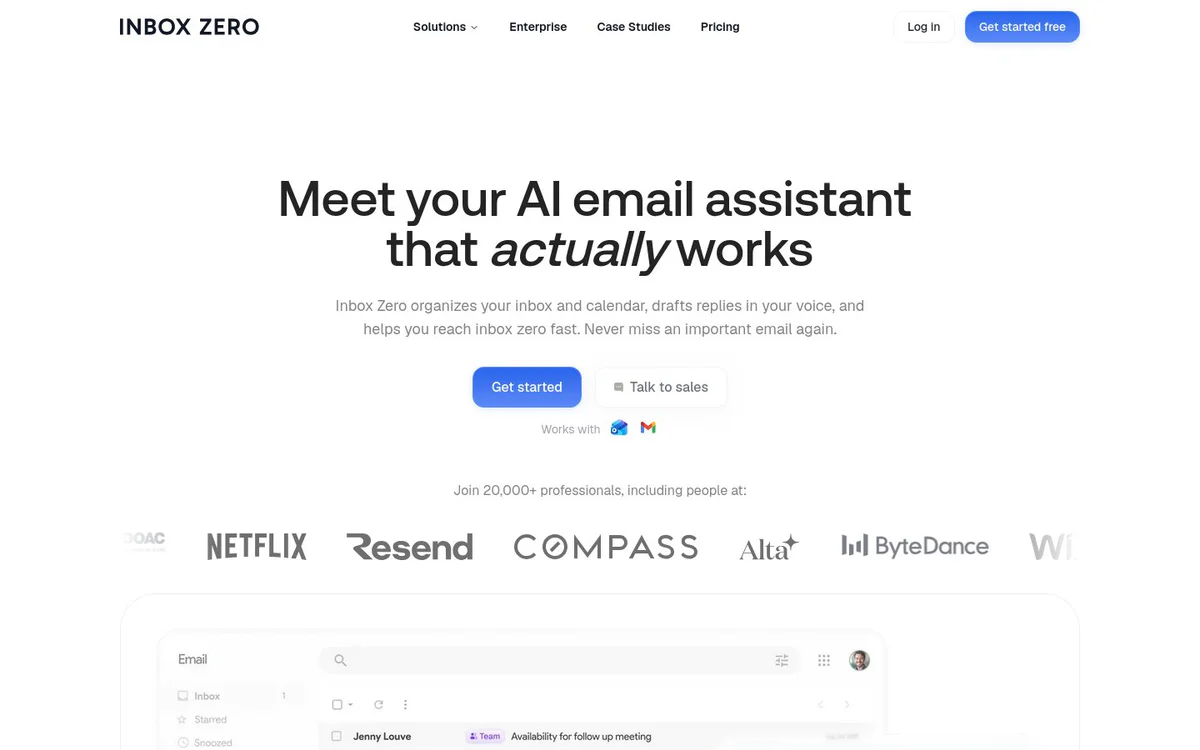
Inbox Zero helps individuals and teams organize email, draft replies in their own voice, automate inbox workflows, and analyze email activity to reduce inbox clutter.
Core Features
AI inbox organization
Automatically label and organize emails with smart categories or user-defined categories.
Pre-drafted replies
Generate reply drafts in the user's tone using email history, calendar information, schedule, and availability.
Multi-channel inbox management
Read emails, draft replies, and manage the inbox from Slack, Telegram, or the web.
Bulk unsubscribe and archiving
Identify emails users never read, then unsubscribe and archive them in one click.
Automatic attachment filing
Save incoming PDFs, receipts, and contracts to selected Google Drive or OneDrive folders.
Email analytics
Review sender patterns and identify what is contributing to inbox congestion.
Plain-English workflows
Configure inbox rules and workflows using plain English.
Open-source and self-hosting
Inbox Zero is open source and can be self-hosted.
SOC 2 Type 2 certification
The official site states that Inbox Zero is SOC 2 Type 2 certified.
Use Cases
- #1
Inbox organization
Automatically sort and label email to reduce clutter and help reach inbox zero.
- #2
Email response drafting
Prepare replies in the user's voice using email history and calendar context.
- #3
Newsletter and cold-email cleanup
Find unread subscriptions and unwanted email, then unsubscribe and archive them in bulk.
- #4
Automated document filing
Route attachments such as invoices, contracts, and reports into appropriate cloud storage folders.
- #5
Email workload analysis
Analyze email volume and sender patterns to identify sources of inbox congestion.
Pricing Plans
Enterprise pricing is not listed and requires contacting sales.
Alternatives







Frequently Asked Questions
What is Inbox Zero?
Which email services does Inbox Zero support?
Can Inbox Zero draft email replies?
Can Inbox Zero manage email outside its web interface?
Can Inbox Zero save email attachments automatically?
Does Inbox Zero offer self-hosting?
How much does Inbox Zero cost?
Does Inbox Zero support Microsoft Teams?
Inbox Zero Contact & Social Media
- Support Email
- Support
- Website:
Reviews
Share your experience with this tool...