
PDFgear
FreeFree AI-powered PDF editor software and online tools for reading, editing, converting, annotating, OCR, merging, and signing PDFs across devices without registration.
Tool Information
What is PDFgear?
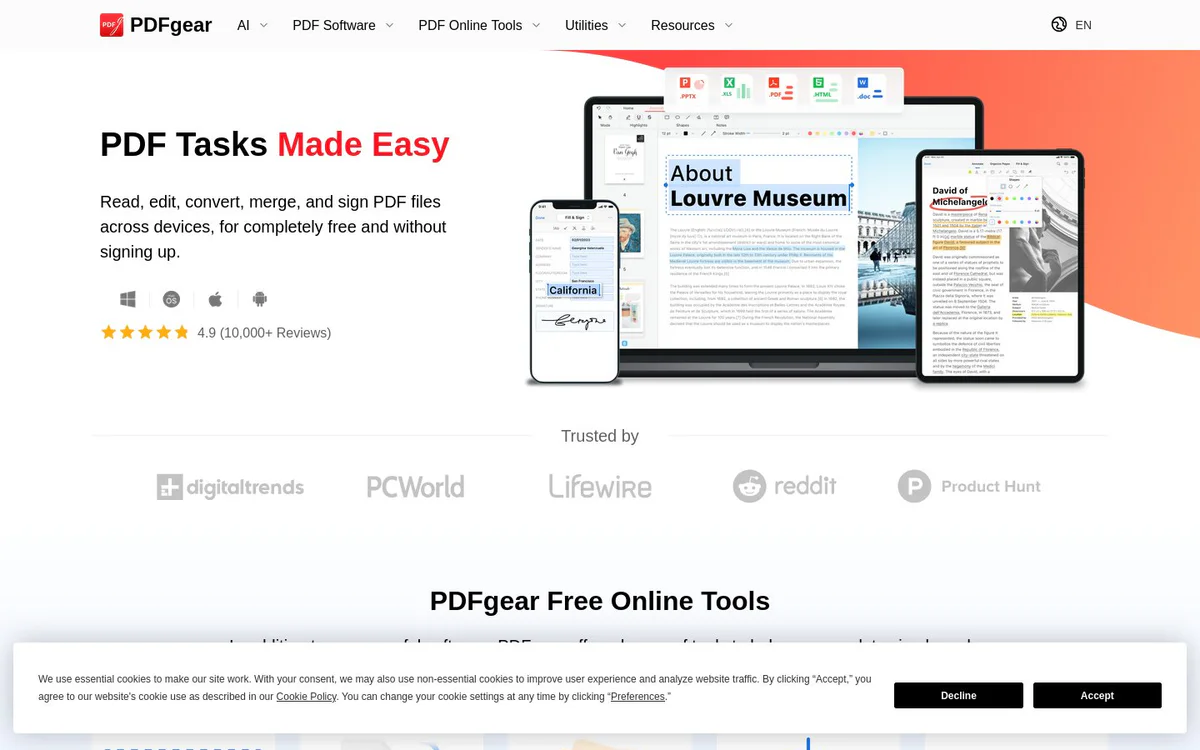
PDFgear is a free AI-powered PDF editor software and suite of online tools that enable users to read, edit, convert, merge, annotate, sign, and process PDF files using desktop software, mobile apps, and browser-based tools, with AI assistance for improved efficiency. It works across devices with no registration required.
Core Features
Edit PDF
Make PDF as editable as Microsoft Word by freely editing text, images, shapes, signatures, links, and fillable form fields.
Annotate PDF
Highlight text or areas, underline or strikethrough text, add notes, comments, stamps, shapes, and text boxes.
Convert PDF
Convert between PDF, Word, TXT, JPG, Excel, PPT and more with batch conversion mode and lossless results without compatibility issues.
OCR PDF
Extract text from image-based documents or convert scanned PDFs into fully editable Word or TXT files, supporting 30+ languages.
AI-Powered Features
Uses cutting-edge AI technology to improve working efficiency, including summarizing PDFs and finding pertinent information.
Free Online Tools
Dozens of browser-based tools for quick PDF tasks including edit, PDF to Word, JPG to PDF, compress, merge, sign, add/split/delete pages, and Word to PDF.
E-Signing via eSignGear
Send documents for signature, track signing progress, and collect legally binding e-signatures from clients and partners.
Cross-Device Support
Switch between desktop, web, and mobile devices to continue working with PDFs on the go.
Use Cases
- #1
PDF Editing and Form Filling
Edit text, images, shapes, signatures, links, and fillable form fields in PDFs as easily as in a word processor.
- #2
Document Conversion
Convert PDFs to and from Word, Excel, PPT, images, and text formats with batch support.
- #3
PDF Organization and Compression
Merge, split, add or delete pages, and compress PDF files for easier handling.
- #4
OCR and Text Extraction
Turn scanned or image-based PDFs into editable text or Word documents in multiple languages.
- #5
Electronic Signing
Collect legally binding e-signatures and track document signing progress online.
- #6
AI-Assisted PDF Analysis
Summarize PDF documents or extract key information using built-in AI.
Pricing Plans
Completely free for reading, editing, converting, merging, and signing PDFs across devices without signing up. Educational and business features available for free on Windows and other platforms. Free online tools and free apps for Windows, Mac, iOS, and Android.
Alternatives







Frequently Asked Questions
Is PDFgear free to use?
What platforms does PDFgear support?
Does PDFgear include AI features?
Can PDFgear perform OCR on scanned documents?
Does PDFgear offer electronic signature capabilities?
Are there free online tools available?
PDFgear Contact & Social Media
- Website:
- YouTube
Reviews
Share your experience with this tool...