
Steve.ai
FreemiumPatented AI video platform that turns text, prompts, audio, blogs, and images into professional generative, animated, and live-action videos.
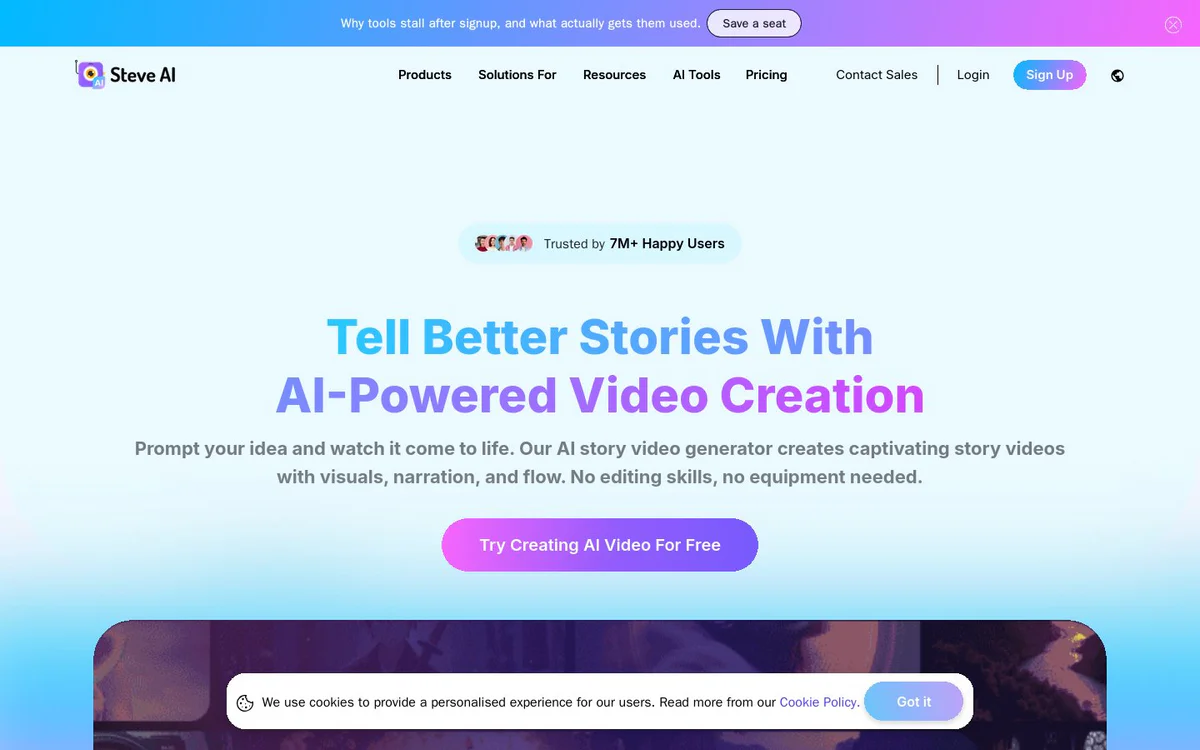
Tool Information
What is Steve.ai?
Steve.ai is a patented AI video creation platform that enables users to create studio-ready, faceless or branded videos from ideas, scripts, blogs, URLs, audio, or images. It uses AI storytelling, voiceovers, styles, and editing so you can produce professional generative, animated, and live-action videos without cameras, lighting, or traditional production skills.
Core Features
Text-to-Video Generation
Type an idea, script, blog, notes, or concept and generate a ready-to-publish video with visuals, narration, cuts, and pacing.
Prompt, Script, Audio, and Image to Video
Create videos from prompts, scripts, audio, images, blogs, or rough concepts across multiple input modes.
Convert Website URLs and Blogs into Videos
Repurpose blogs, articles, or news URLs into AI-generated videos optimized for social platforms.
Full Scene-Level Control and Scene Swaps
Direct scene details via video description and reorder or replace entire scenes before rendering.
Generative AI Visual Styles
Switch among generative AI styles including hyper-realistic and 3D cartoon formats, plus animations and live videos.
300+ Custom 2D Animated Characters
Library of avatars and animated characters for faceless branded content.
140M+ Getty Assets and Fun Elements
Built-in stock visuals plus GIFs, cliparts, images, memes, and stickers.
Human-Like AI Voiceovers and Multi-Voice Storytelling
Generate natural narrations and multi-voice conversational videos without external tools.
4K HD Quality, Camera Movements, and Transitions
Export up to 2K/4K HD with AI-powered pans, zooms, kinetic text, motion effects, and smooth transitions.
Background Music Library and Auto-Subtitles
Royalty-free music library and one-click accurate subtitles for accessibility and watch time.
One-Click Resizing and Direct YouTube Publishing
Resize videos for Shorts, Reels, and TikTok and publish HD videos directly to YouTube.
Multi-Language Support and AI Video Translator
Generate and translate videos in 10+ languages and voices.
Use Cases
- #1
Faceless YouTube and Social Channels
Run professional faceless channels that post consistently without appearing on camera.
- #2
Social Media Shorts, Reels, and TikToks
Create and resize short-form content for multi-platform growth.
- #3
Ads, Promotions, and UGC-Style Videos
Produce promotional ads, product videos, and multi-voice UGC-style storytelling.
- #4
Education, Training, and L&D
Create training, onboarding, education, and explainer videos from text or scripts.
- #5
Blog and Content Repurposing
Convert blogs, articles, podcast transcripts, and URLs into video content.
- #6
Kids Storybooks and Narrative Content
Generate story and animated narrative videos from text ideas.
Pricing Plans
Free trial/start free available. Paid plans described include Starter, Pro, and Generative AI with monthly/annual options and add-ons (Power Up, generative credits). Plan highlights include AI images/premium stock quotas, AI video minutes, generative credits, resolution tiers (e.g. 1080p/2K), human-like voices, no watermark, unlimited video exports, and 300+ animated characters on paid tiers. Unlimited exports noted with Premium Plan. Exact public prices are not fully listed in official snapshots.
Alternatives



Frequently Asked Questions
What is Steve.ai?
What can I create videos from with Steve.ai?
Does Steve.ai support faceless content creation?
What video styles and quality does Steve.ai offer?
Can I publish videos directly to YouTube?
Does Steve.ai support multiple languages?
What is the pricing model for Steve.ai?
Who makes Steve.ai?
Steve.ai Contact & Social Media
- CompanyAnimaker Inc. (Steve AI)
- Address1160 Battery Street, San Francisco, CA, 94111, US
- Support Email
- Website:
Reviews
Share your experience with this tool...