
Dabble
PaidNovel writing software for fiction authors to plan plots, draft manuscripts, and edit in one distraction-free app.
Información de la herramienta
¿Qué es Dabble?
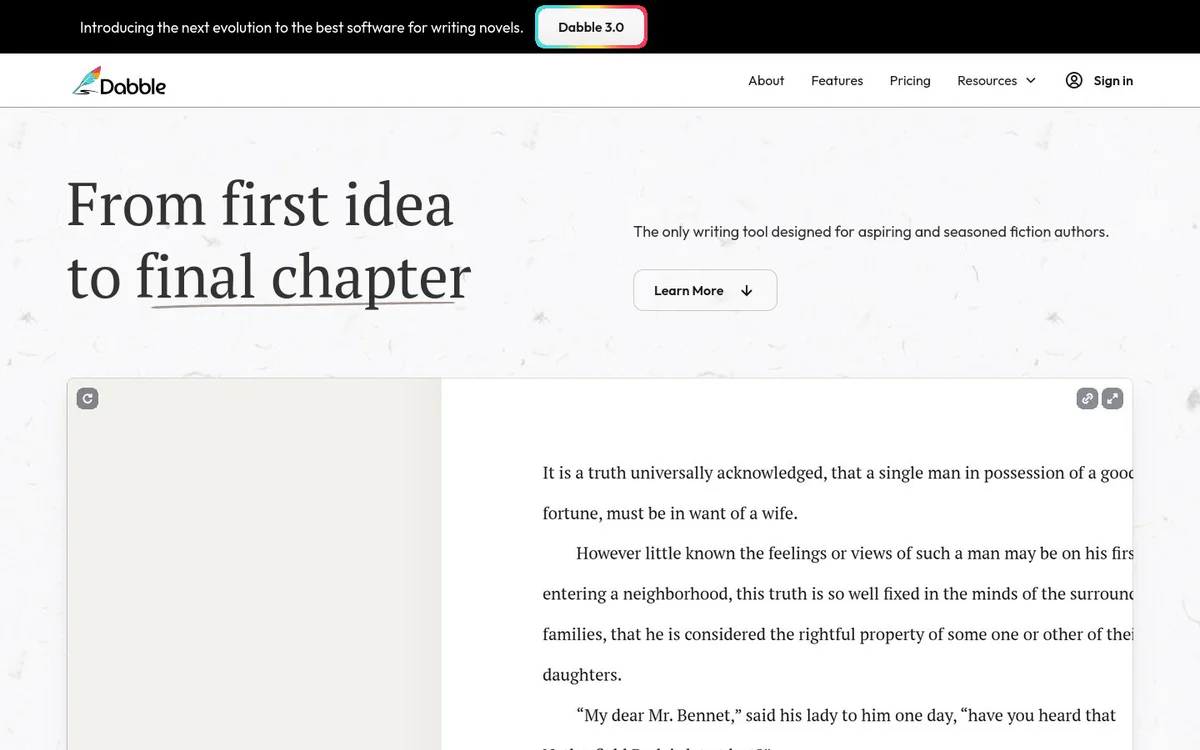
Dabble is novel writing software built for fiction authors. It helps aspiring and seasoned writers plan stories, draft long-form novels, organize characters and worldbuilding, edit manuscripts, and share work for feedback—from first idea through final chapter—all in one distraction-free app.
Características principales
Plot Grid
Organize a story with plot lines, plot points, and plot labels to plan twists and track structure.
Character Profiles
Build detailed character bios covering traits, backgrounds, and arcs, with property lists and banner/avatar images.
Worldbuilding Tools
Store world-building details such as lore, maps, history, settings, and rules in one organized space.
Editor
A modern, intuitive, distraction-free text editor designed for long-form fiction, with auto-numbered scenes and chapters.
Focus Mode
Eliminate distractions with a clean writing space so authors can concentrate on the manuscript.
Daily Word Count Goals
Set customizable daily word count goals and track progress toward a finished manuscript.
NaNoWriMo Word Tracker
Built-in NaNoWriMo integration that tracks daily word counts for the challenge.
Multi-Device Access
Write anytime, anywhere, on any device with cloud storage.
Sticky Notes and Comments
Pin ideas and revision notes to the manuscript and leave comments for specific changes and improvements.
Advanced Checks
Built-in tools for spelling, grammar, and style checks.
Export and Sharing
Export manuscripts to Word and text files, share to the web, use writing group share, and streamline beta reader and editor workflows.
Series and Shared Worlds
Share characters, locations, and lore across books in a series from one place.
Casos de uso
- #1
Novel plotting and structure planning
Map plot lines, plot points, labels, subplots, and story arcs before or while drafting a novel.
- #2
Character and world development
Create character profiles and a worldbuilding bible for lore, settings, and shared series material.
- #3
Distraction-free novel drafting
Write scenes and chapters with focus mode, daily goals, and multi-device access.
- #4
Manuscript revision and polishing
Use sticky notes, comments, highlighting, and advanced spelling, grammar, and style checks to edit.
- #5
Feedback and collaboration
Share work with writing groups, beta readers, and editors, and export for external review.
- #6
NaNoWriMo participation
Track daily word counts with built-in NaNoWriMo integration while drafting a novel.
Planes de precios
Official site promotes a free 14-day trial. Full plan details are not provided on the supplied home and features snapshots.
Alternativas








Preguntas frecuentes
What is Dabble?
Who is Dabble designed for?
Does Dabble offer a free trial?
Can I plan my novel’s structure in Dabble?
Does Dabble support character and worldbuilding notes?
Is Dabble available on multiple devices?
Does Dabble help with NaNoWriMo?
How can I share or export my manuscript?
Where can I get support for Dabble?
Dabble Contacto y redes sociales
- Soporte
- Sitio web:
- Twitter
- Facebook
- Instagram
- YouTube
- LinkedIn
Reseñas
Comparte tu experiencia con esta herramienta...