
Moises
FreemiumAI-powered tools for practicing, creating, recording, and producing music.
Información de la herramienta
¿Qué es Moises?
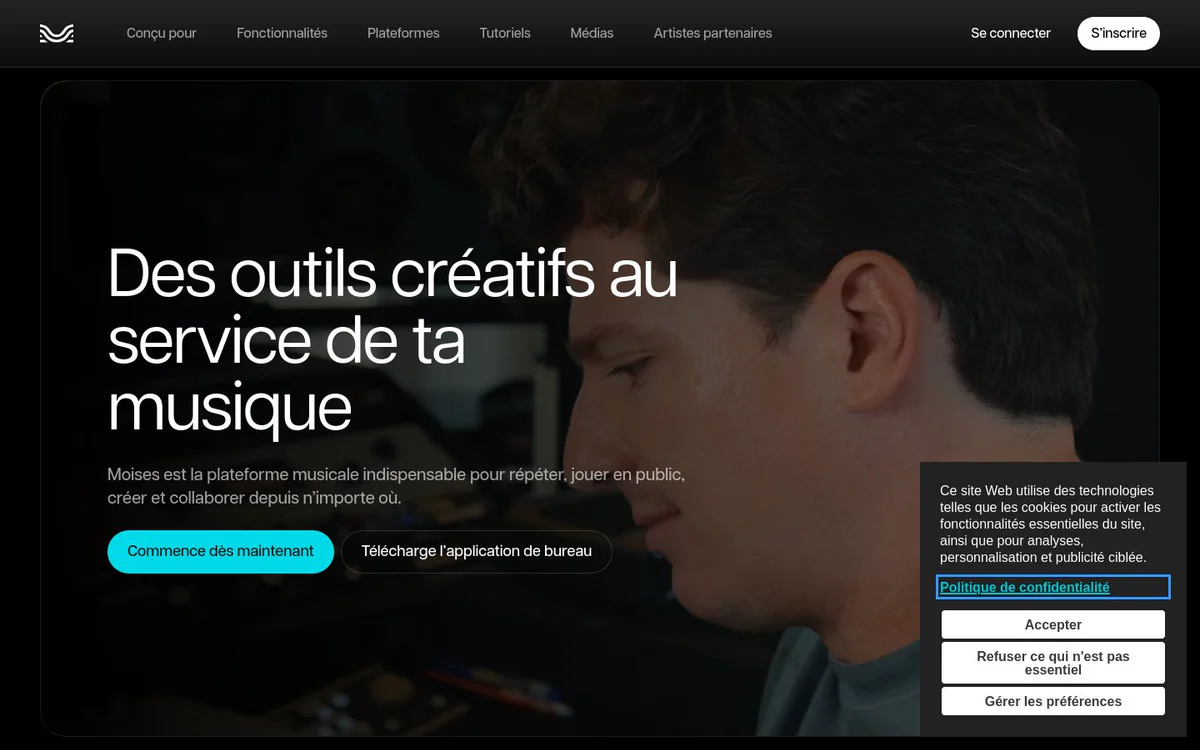
Moises is a creative music platform that helps musicians practice, perform, create, and produce music with AI-powered audio tools. It supports stem separation, chord and key detection, tempo and pitch control, recording, mastering, and other music workflows.
Características principales
Stem separation
Isolate or mute vocals, instruments, percussion, and other parts of a song.
AI stem generation
Generate musical parts from a riff, vocal, or sketch while following the timing and feel of the source.
Chord and key detection
View the musical key and chords being played in real time.
Lyrics and chord display
Display lyrics and chords together to support practice, memorization, phrasing, and teaching.
Tempo and pitch control
Slow songs without changing pitch, add a metronome click, and change a song's key to suit a voice, instrument, or capo position.
Video recording
Record synchronized audio and video performances over a song or from scratch.
Mastering
Balance sound and add clarity and power to prepare music for release, playback, and streaming platforms.
Voice Studio and lyrics assistance
Explore expressive vocal parts based on real voices and get lyric suggestions for phrasing, rhymes, and songwriting directions.
Casos de uso
- #1
Song practice
Practice instrumental or vocal parts by isolating tracks, slowing songs, viewing chords and lyrics, and jumping to song sections.
- #2
Live performance preparation
Organize projects into setlists and prepare songs for rehearsals, lessons, or concerts.
- #3
Music creation and arrangement
Develop musical ideas by generating stems, experimenting with vocal textures, and creating supporting parts.
- #4
Songwriting
Explore lyrics, melodies, vocal directions, and arrangements during the writing process.
- #5
Performance recording
Record synchronized audio and video performances for review or sharing with an audience.
- #6
Audio and multimedia production
Separate dialogue, music, and effects and use mastering tools for audio, video, content, and multimedia projects.
Planes de precios
Moises offers a free version with a limited number of file imports per month and access to some features. Paid-plan prices are not clearly published in the provided official source snapshot.
Alternativas






Preguntas frecuentes
What is Moises used for?
Can Moises separate vocals and instruments?
Can Moises change the tempo or key of a song?
Does Moises offer chord and lyric tools?
Does Moises have a free version?
Which platforms does Moises support?
Moises Contacto y redes sociales
- EmpresaMoises Systems, Inc.
- Correo electrónico de soporte
- Sitio web:
- Twitter
- Facebook
- Instagram
- YouTube
- LinkedIn
- TikTok
Reseñas
Comparte tu experiencia con esta herramienta...