
UXPin
FreemiumUX/UI design and prototyping with code-backed React components for real product-like experiences
Información de la herramienta
¿Qué es UXPin?
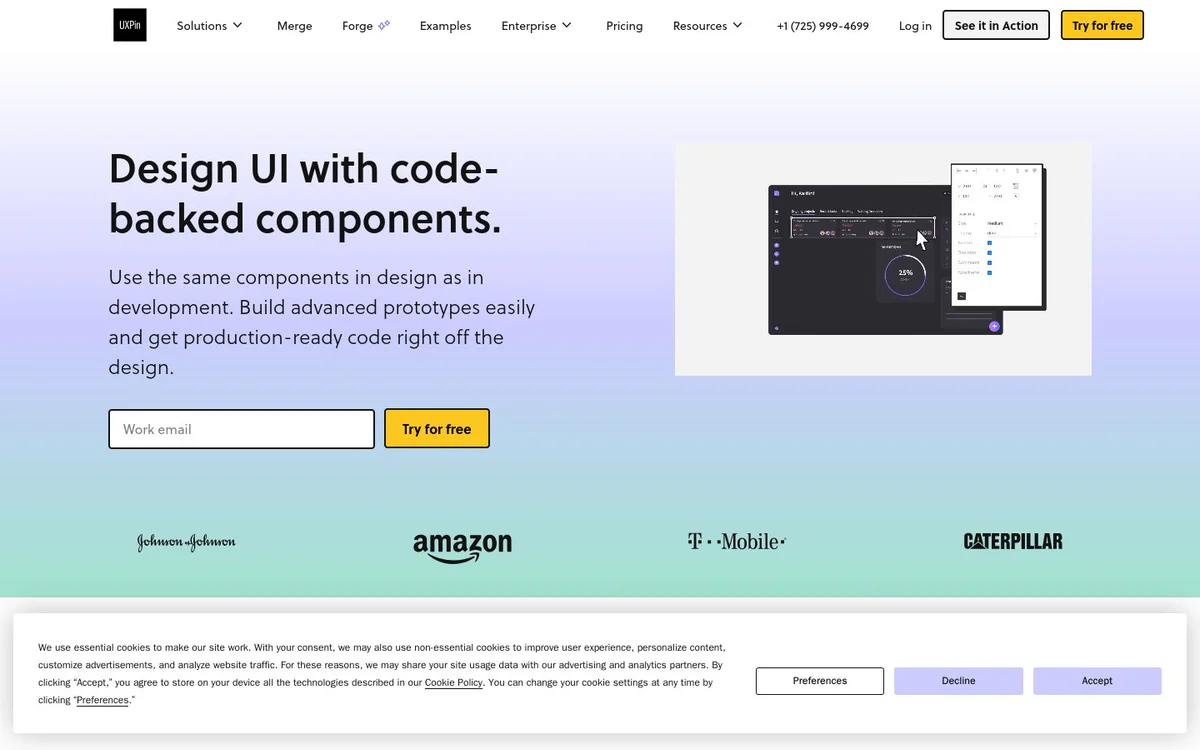
UXPin is a UX/UI design and prototyping tool that gives designers and developers a unified environment to create interfaces and advanced prototypes using the same coded React components as production. Teams can build high-fidelity interactive prototypes, manage design systems, and export clean production-ready React code and specs for faster handoff and shipping.
Características principales
Code-backed components and Merge
Design with the same React components used in development, including built-in libraries or synced custom Git component repositories, so prototypes match production behavior.
AI Component Creator
Build code-backed layouts on autopilot using AI Component Creator with OpenAI or Claude models by writing a prompt to auto-generate tables, forms, and other UI elements ready to save.
Built-in React libraries
Use UI elements from popular open-source React libraries such as MUI, Tailwind UI, Ant Design, and Fluent UI without needing a custom component library.
Production-ready code and specs export
Copy specs and production-ready React code with dependencies, export to a project, or open in an online environment such as StackBlitz.
Advanced prototyping and interactions
Assemble fully functional high-fidelity prototypes by changing properties, switching themes, and adding interactions and logic for realistic user experiences.
Design system management
Manage design systems within the product, with design tokens listed as coming soon.
Git and Storybook integrations
Connect via Git integration for component repositories and Storybook integration for design-to-code workflows.
Casos de uso
- #1
UI and UX design with code components
Design interfaces visually while using real coded components so designs stay consistent with development.
- #2
Advanced interactive prototyping
Build high-fidelity prototypes with logic, states, and interactions that feel like real products for testing and stakeholder review.
- #3
Developer handoff and code export
Export production-ready React code and specs to reduce handoff friction and accelerate engineering.
- #4
Design system and DesignOps workflows
Manage design systems and support DesignOps processes by syncing coded libraries and keeping design and development aligned.
- #5
User testing
Create realistic prototypes suitable for user testing of complex interactions and flows.
Planes de precios
Site promotes Join for free and Try for free; detailed plan pricing is not provided on the captured official snapshots.
Alternativas





Preguntas frecuentes
What is UXPin?
How does UXPin help designers and developers work together?
Can I use real React components in my designs?
Does UXPin offer AI-assisted design?
What built-in React libraries does UXPin support?
How does code export work in UXPin?
Is UXPin free to try?
What platforms is UXPin available on?
Does UXPin support design systems?
What integrations does UXPin offer?
UXPin Contacto y redes sociales
- Teléfono
- Correo electrónico de soporte
- Sitio web:
- Twitter
- Facebook
- YouTube
Reseñas
Comparte tu experiencia con esta herramienta...