
Word.Studio
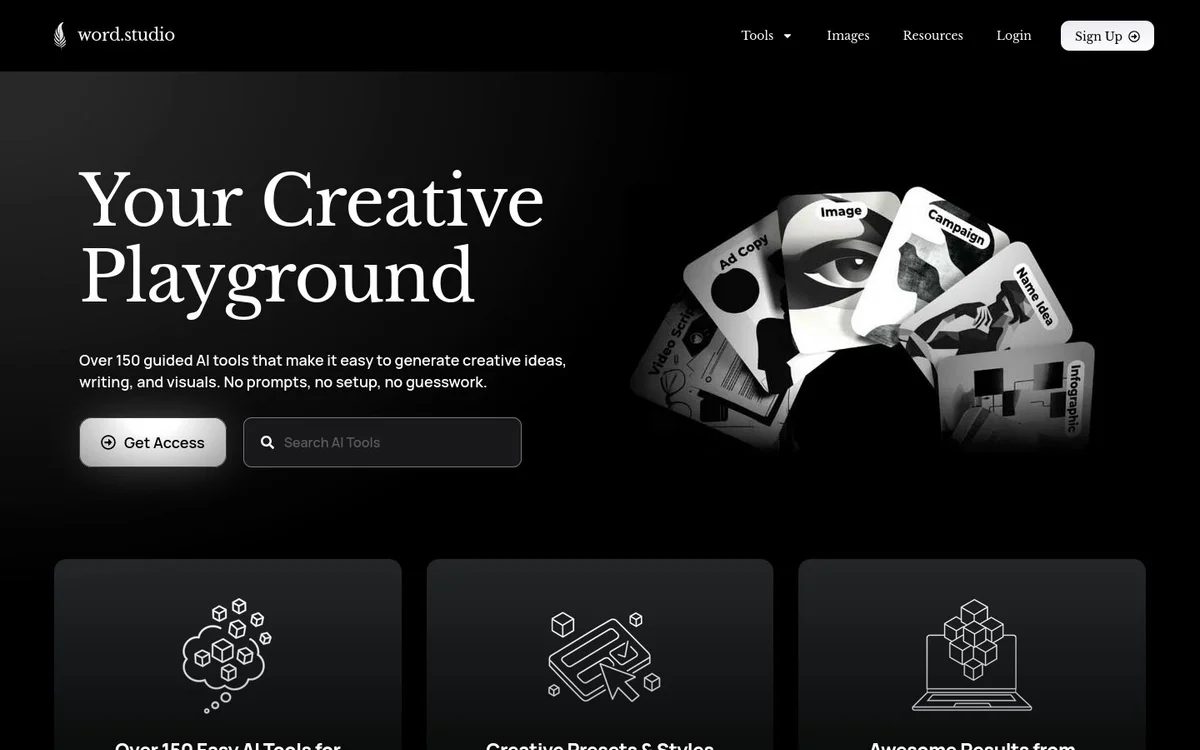
UnknownOver 150 guided AI tools and templates that generate creative writing, ideas, and visuals via simple forms without complex prompts.
Información de la herramienta
¿Qué es Word.Studio?
Word.Studio is a collection of over 150 guided AI tools and templates that generate creative writing, ideas, and visuals via simple forms without complex prompts. It delivers form-based, preset-driven AI tools for creating writing, editing, analysis, business materials, career resources, education content, wordplay, and images, using the AI model most suitable for each task.
Características principales
Over 150 Guided AI Tools
Easy AI tools for work and play that use simple forms to gather task information and generate creative ideas, writing, and visuals with no prompts, setup, or guesswork.
Creative Presets and Styles
Built-in creative presets and styles that enable high-quality results by selecting options and generating, without writing complex prompts.
Task-Suitable AI Models
Each tool is powered by the AI model most suitable for the job, removing the need for model selection guesswork.
Writing and Editing Tools
Tools including Article Writer for tailored articles, Active Voice Converter for clearer text, Adverb Overload Detector for stronger wording, and Alliteration Assembler for stylistic writing.
Business and Branding Tools
Tools such as Brand Name Brainstormer, Brand Voice Analyzer, Brand Voice Guidelines, Business Idea Validator, Business Plan Builder, and Buyer Persona Builder.
Image and Design Tools
Tools including Book Cover Designer, Background Texture Generator, Collage Creator, and Coloring Page Maker for visual generation.
Book and Story Tools
Tools such as Book Recommender, Book Summarizer, Beat Sheet Builder, and Children's Story Creator for literature and narrative work.
Career and Analysis Tools
Tools including Career Path Explorer, Analogy Maker, Acronym Architect, Anagram Alchemist, and Case Study Creator for professional and analytical tasks.
Casos de uso
- #1
Creative Writing and Content Creation
Generate tailored articles, stories, acronyms, analogies, alliterations, and other written content for any topic, audience, and tone.
- #2
Editing and Style Refinement
Convert passive voice to active, detect adverb overload, find clichés, and improve clarity and engagement in text.
- #3
Business Planning and Branding
Validate business ideas, build business plans, create buyer personas, brainstorm brand names, and prepare brand voice guidelines.
- #4
Visual and Design Generation
Create book covers, background textures, collages, and coloring pages for graphic design and creative projects.
- #5
Education, Career, and Personal Use
Explore career paths, summarize books, get recommendations, build beat sheets, and create educational or personal content.
Planes de precios
Homepage includes Login, Sign Up, and Get Access calls to action, but no pricing tiers, free access details, or payment information are provided.
Alternativas







Preguntas frecuentes
What is Word.Studio?
Do I need to write complex prompts to use the tools?
What kinds of tools does Word.Studio offer?
How does Word.Studio choose AI models?
Where can I find support or more information?
Word.Studio Contacto y redes sociales
- Soporte
- Sitio web:
- Twitter
- Instagram
- LinkedIn
Reseñas
Comparte tu experiencia con esta herramienta...