
Adam
FreemiumAI CAD copilot for hardware teams
Informations sur l’outil
Qu'est-ce que Adam ?
Adam is an AI workspace for hardware teams that connects to CAD, PLM, and existing tools to complete geometry edits, BOMs, sourcing, design reviews, and engineering documentation. It accepts natural-language requests via Slack or email and delivers finished outputs such as model edits, reconciled BOMs, drawings, RFQs, and factory handoff packages.
Fonctionnalités principales
CAD and PLM connectivity
Connects Onshape, Autodesk Fusion, SolidWorks, PLM systems, and supplier catalogs so Adam can read geometry, BOMs, drawings, and revisions in real time as one connected graph without exported copies.
Geometry and model editing
Performs CAD model changes such as thickening bosses, adding draft, fillets, and gussets, then updates related drawings and produces branched model edits ready for approval.
BOM cleanup and management
Reviews BOMs, fills missing manufacturer part numbers, flags long-lead or WIP items, detects mismatches and duplicates, and prepares items for sourcing or PLM push.
Sourcing and component research
Finds suppliers, compares cost drivers, lead times and risks, locates pin-compatible or drop-in alternates for end-of-life or backordered parts, and logs options for RFQ.
Engineering documentation automation
Creates design review briefs, ECO packets, RFQ emails, factory handoff folders, and CMF direction sets linked to source data.
Messaging-based workflow
Accepts requests from Slack or email in natural language and returns finished deliverables linked to their sources for review or adjustment.
Cas d'utilisation
- #1
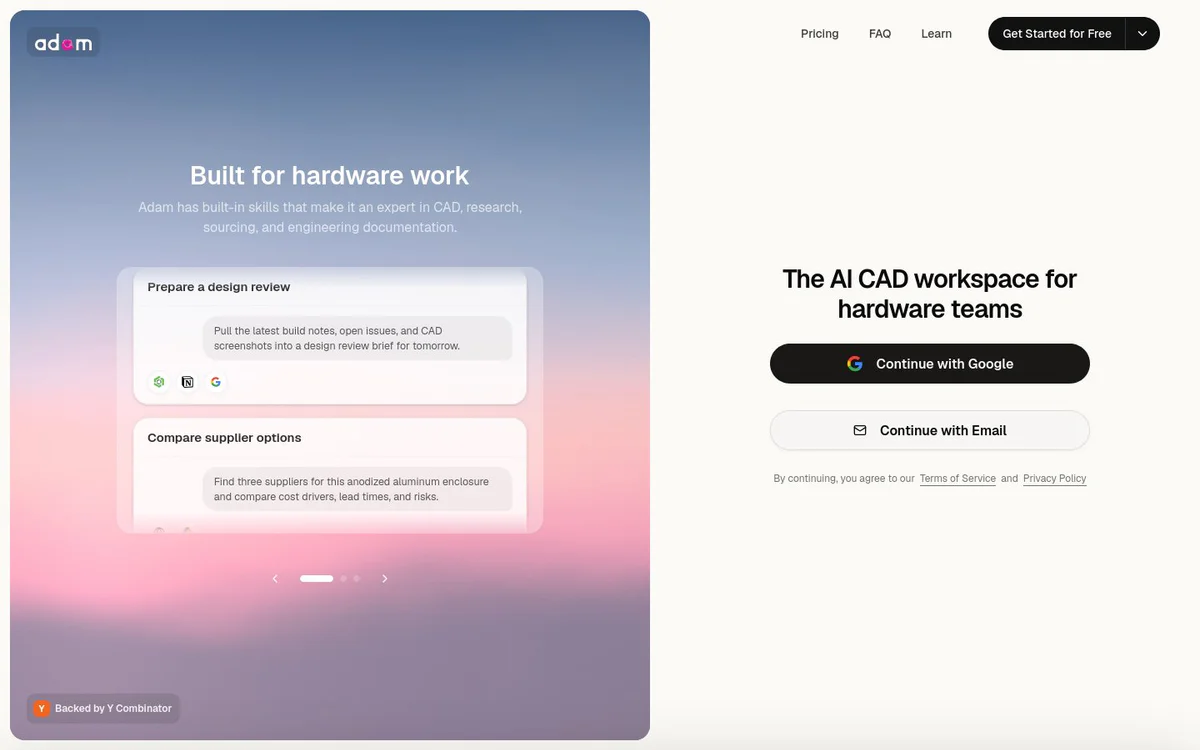
Prepare a design review
Pull the latest build notes, open issues, and CAD screenshots into a design review brief.
- #2
Compare supplier options
Find multiple suppliers for a part such as an anodized aluminum enclosure and compare cost drivers, lead times, and risks.
- #3
Clean up a BOM
Review a BOM, fill missing manufacturer part numbers, flag long-lead items, and prepare it for sourcing.
- #4
Create an ECO packet
Turn revision notes into an ECO packet with affected parts, risks, approvals, and supplier instructions.
- #5
Draft an RFQ
Draft an RFQ email for a revised part including tolerances, finish, quantity breaks, and target delivery.
- #6
Track build blockers
Summarize blockers from a bring-up channel and convert them into owners, next steps, and dates.
- #7
Find component alternates
Locate pin-compatible alternatives for a backordered or end-of-life component and explain firmware and supply-chain tradeoffs.
- #8
Package a factory handoff
Collect drawings, BOM, QA checklist, and open questions into a manufacturer handoff folder.
Plans tarifaires
Page offers Get Started for Free and Start Free options; detailed paid plan pricing is not specified in the available content.
Alternatives





Foire aux questions
What is Adam?
Which CAD and PLM tools does Adam connect to?
How do I interact with Adam?
What kinds of geometry edits can Adam perform?
Can Adam help with BOMs and sourcing?
Is there a free way to start using Adam?
Adam Contacts et réseaux sociaux
- E-mail d'assistance
- Assistance
- Site Internet :
- Twitter
- Instagram
- YouTube
- GitHub
- Discord
Avis
Partagez votre expérience avec cet outil...