
Anima
Not clearly publishedDesign-aware AI agent that generates production-ready websites and apps from Figma files, live websites, images, or prompts.
Informations sur l’outil
Qu'est-ce que Anima ?
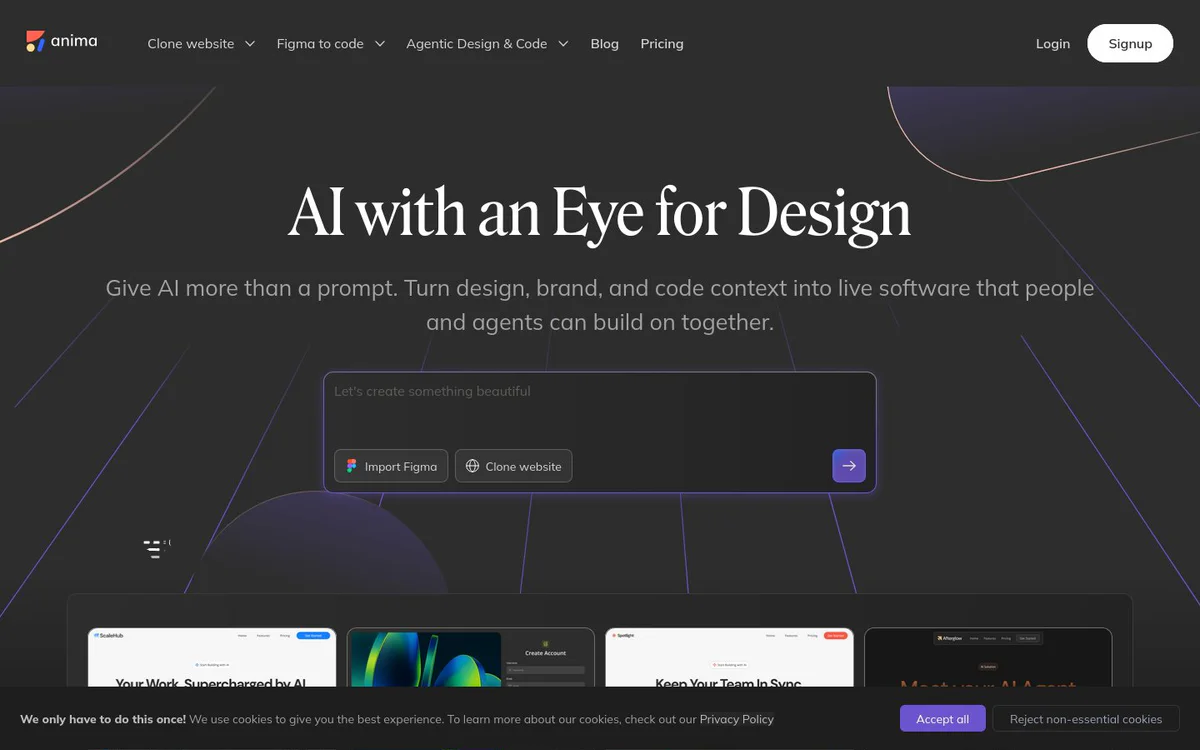
Anima is a design-aware AI agent that bridges design and code. It turns Figma designs, website URLs, images, brand context, or prompts into editable, production-ready HTML or React applications that product teams, developers, and AI agents can continue building on together.
Fonctionnalités principales
Figma to code
Generate responsive HTML or React from Figma designs, carrying structure, assets, and visual details into the result, with the ability to copy back into Figma while iterating.
Clone website
Import multiple pages from any live website into one editable app, with routes and navigation already connected; supports cloning private websites.
Image to HTML / app
Turn a screenshot, mockup, or user flow into an editable HTML or React app.
On-brand design system support
Import design system components, match a brand from any URL, or use a Design.md file to keep every build visually consistent.
HTML and React code output
Output clean HTML with CSS, Tailwind, or inline styles for websites and marketing; or editable React (TypeScript/JavaScript) with preferred UI libraries for products and dashboards.
Anima API
API that accelerates development by connecting products to Anima’s engine; already powers Bolt.new and Replit and integrates with Claude and agent stacks.
Anima MCP
Connect AI coding agents to Anima’s app creation environment so agents can use Figma-to-code, design systems, and project context to create and continue building live HTML or React apps.
Build, preview, and publish workflow
Build and preview in the browser, add database and authentication, restore any version instantly, and publish, export, or hand off.
Import artifacts and code
Import code or an artifact from Claude or another AI tool, run it as a live app, and keep building visually.
Buddy: Figma Agent
Figma agent capability for agentic design and code workflows.
Cas d'utilisation
- #1
Convert Figma designs to production code
Generate responsive HTML or React applications directly from Figma files while preserving design structure and assets for product teams and developers.
- #2
Clone and rebuild live websites
Import full multi-page websites into editable apps with connected routes and navigation as a starting point for new builds.
- #3
Build marketing sites and landing pages
Create fast, responsive HTML output for websites, landing pages, email templates, and marketing experiences.
- #4
Prototype products and dashboards
Generate editable React application code for products, dashboards, flows, slides, and prototypes.
- #5
Power AI coding platforms and agents
Provide a design-aware generation engine via API and MCP for platforms such as Bolt.new, Replit, Claude, and other agent stacks.
Plans tarifaires
The official homepage links to a Pricing page but does not disclose plan names, prices, or free/paid tiers in the provided snapshot.
Alternatives






Foire aux questions
What is Anima?
What inputs can Anima turn into code?
What code formats does Anima output?
Can Anima work with AI coding agents and platforms?
Is pricing information available?
Which platforms and tools does Anima integrate with?
Anima Contacts et réseaux sociaux
- Adresse149 5th Avenue, New York, NY, 10010, US
- E-mail d'assistance
- Site Internet :
- Twitter
- Instagram
- YouTube
- LinkedIn
- GitHub
- Discord
Avis
Partagez votre expérience avec cet outil...