
MakeBestMusic
FreemiumCreate royalty-free AI music and songs with vocals online in seconds.
Informations sur l’outil
Qu'est-ce que MakeBestMusic ?
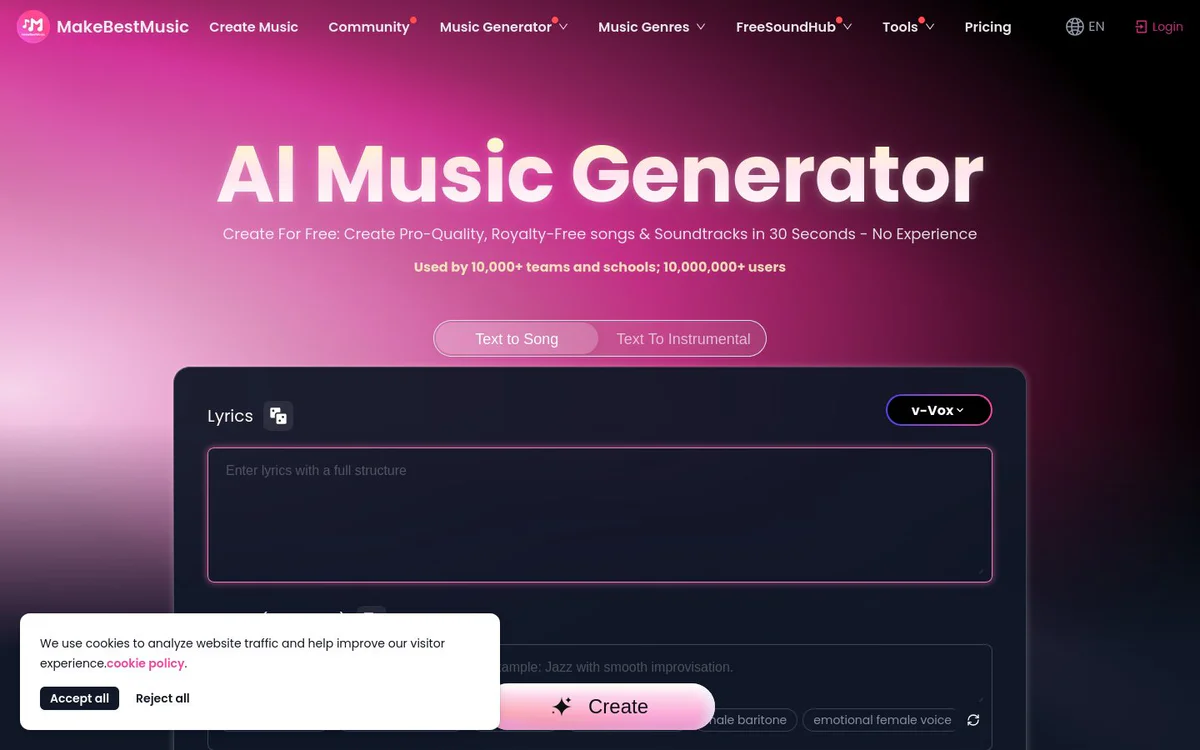
MakeBestMusic is an AI platform that enables users to create original AI music, full songs with vocals, celebrity-style tracks, voice covers, and related audio tools such as stem splitting and mastering, starting from text prompts or images.
Fonctionnalités principales
Music Generator / Create Music
Generate any music imaginable starting from a text prompt, producing pro-quality tracks up to 8 minutes long.
AI Voice Cover
Sing any song in the user's own voice using AI.
Text To Music
Convert words and descriptions into melodies and music.
Song Generator
Create full songs complete with vocals.
Pic To Songs / Pic To BGM
Extract musical inspiration from images to generate songs or background music.
Star Pulse
Generate original music in the style of top celebrities.
Stem Splitter
Separate audio into vocals, drums, bass, and other stems.
Audio Converter
Perform high-quality audio transcoding with no loss in detail.
Lyrics Generator
Create unique lyrics using advanced AI.
AI MIDI Generator
One-click MIDI creation for effortless songwriting.
AI Mastering
Apply studio-quality mastering to tracks.
Adjust Speed
Precision speed adjustment with zero pitch distortion.
Cas d'utilisation
- #1
Royalty-free song and soundtrack creation
Generate pro-quality, royalty-free songs and soundtracks in seconds for use in content without prior musical experience.
- #2
Voice covers of existing songs
Create AI voice covers that allow users to sing any song in their own voice.
- #3
Text-to-music composition
Turn written descriptions or lyrics into complete melodies and full songs with vocals.
- #4
Image-inspired music generation
Derive songs or background music from uploaded images.
- #5
Audio production and remixing
Use stem splitting, mastering, speed adjustment, MIDI generation, and conversion tools for production workflows.
- #6
Celebrity-style original music
Produce original tracks styled after top celebrities via Star Pulse.
Plans tarifaires
Described as free to start and free AI music generator for creating royalty-free songs; dedicated Pricing page is linked but specific plan tiers or costs are not detailed in the provided source snapshots.
Alternatives






Foire aux questions
What is MakeBestMusic?
Is MakeBestMusic free to use?
What can I create with MakeBestMusic?
Is the music generated by MakeBestMusic royalty-free?
Does MakeBestMusic have mobile apps?
Who is MakeBestMusic designed for?
How do I get support for MakeBestMusic?
MakeBestMusic Contacts et réseaux sociaux
- E-mail d'assistance
- Assistance
- Site Internet :
- Twitter
- Instagram
- YouTube
- TikTok
- GitHub
- Discord
Avis
Partagez votre expérience avec cet outil...