
PPT.AI
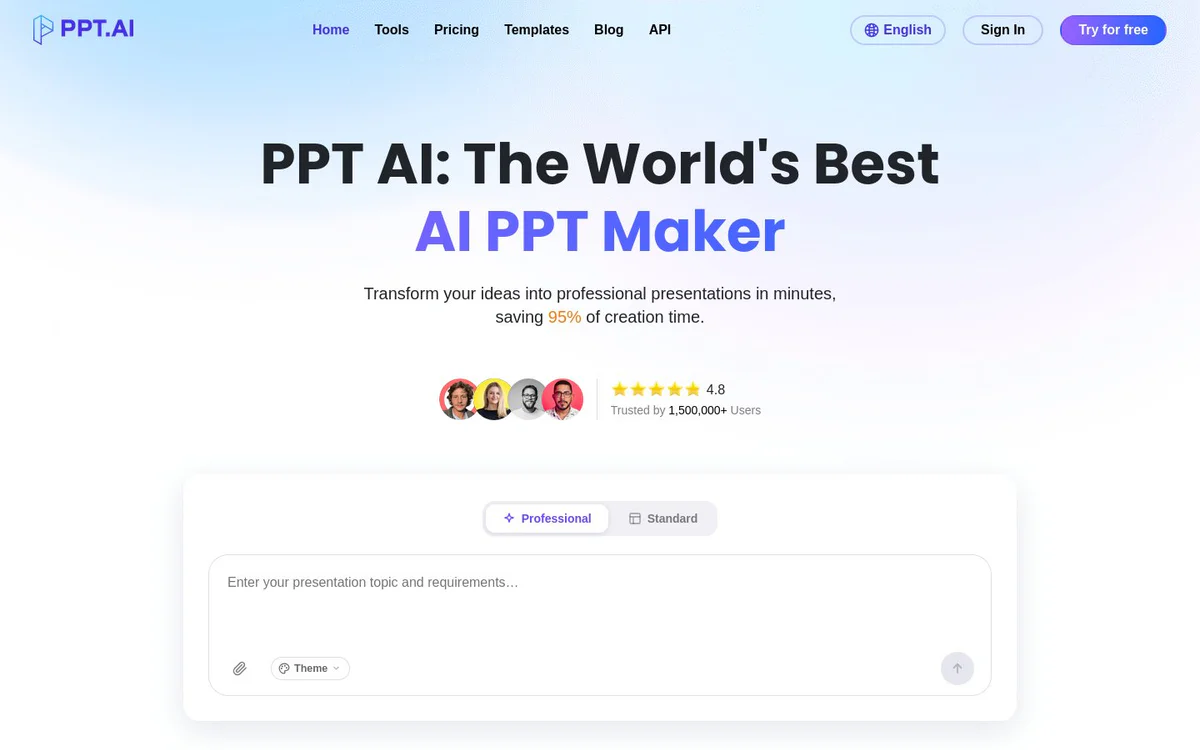
FreemiumAI presentation maker that turns text, documents, URLs, YouTube videos, and images into professional PowerPoint slides
Informations sur l’outil
Qu'est-ce que PPT.AI ?
PPT.AI is an AI presentation maker that generates professional PowerPoint slides from multiple content inputs. Users can convert text, uploaded files, URLs, YouTube videos, and images into polished decks using AI automation, free templates, scene and tone controls, and PowerPoint-compatible export. It supports multilingual generation and post-generation editing and sharing.
Fonctionnalités principales
Instant Conversion
Converts ideas and input content into professional presentations in minutes.
Multi-Model Intelligence Engine
Uses AI models including a selectable Basic Model for presentation generation.
Free Professional Templates
Provides free professional and premium templates for presentations.
Smart Design Optimization
Applies AI-driven design optimization to generated slides.
Multilingual Support
Supports generation in many languages including English, Simplified Chinese, Traditional Chinese, Japanese, Korean, French, Russian, Arabic, German, Spanish, Italian, Portuguese, Thai, Malay, Vietnamese, Turkish, and Indonesian.
Effortless Editing and Sharing
Enables customization after generation and sharing of presentations.
Multiple Input Methods
Accepts text, file upload, URL, YouTube, and image inputs to create presentations.
Broad File Format Support
Supports DOC, DOCX, PDF, PPT, PPTX, TXT, MD, XLS, XLSX, CSV, HTML, EPUB, MOBI, XMIND, and MM files under 10MB, plus PNG, JPG, JPEG, and BMP images under 5MB.
Scene, Audience, Tone, and Length Controls
Lets users select scene type, audience, tone, and page length (short, medium, long) before generation.
PowerPoint Compatibility
Provides complete PowerPoint compatibility for created presentations.
API Access
Offers an API as part of the product navigation and company offerings.
Chrome Extension
Lists a Chrome Extension among free tools.
Cas d'utilisation
- #1
Teaching Materials
Create educational slide decks for teaching contexts.
- #2
Work Summary and Work Plan
Generate presentations for work summaries and work plans.
- #3
Project Report and Research Report
Produce project reports and research report presentations.
- #4
Business Plan and Solution Presentations
Build business plans, solutions, product introductions, and company introductions.
- #5
Meeting Materials and Public Speaking
Prepare meeting materials, science popularization content, and public speaking decks.
- #6
YouTube to PowerPoint Conversion
Turn YouTube video content into presentation slides.
Plans tarifaires
Site offers Try for free; free professional and premium templates; FAQ section references benefits for free users. Detailed paid plan pricing is not clearly published by the official source.
Alternatives







Foire aux questions
What is PPT.AI?
What input types does PPT.AI support?
Which languages does PPT.AI support?
Can I customize the generated presentation?
Is PPT.AI free to use?
Does PPT.AI work with PowerPoint?
PPT.AI Contacts et réseaux sociaux
- E-mail d'assistance
- Site Internet :
- Twitter
- Facebook
- Instagram
- YouTube
- TikTok
Avis
Partagez votre expérience avec cet outil...