
Huddles
FreemiumInstant audio and video meetings with screen sharing and live team collaboration inside Slack.
Informations sur l’outil
Qu'est-ce que Huddles ?
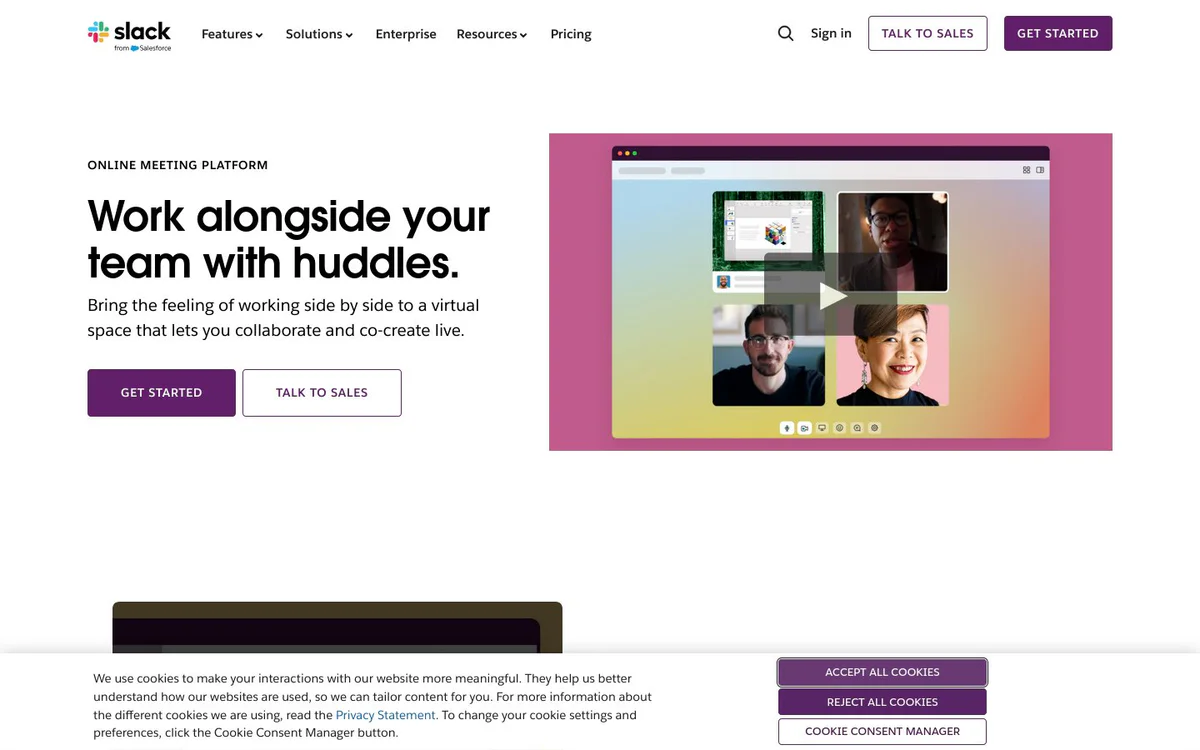
Huddles is a built-in Slack feature that serves as an online meeting platform. It lets teams connect instantly over audio or video, share screens, and collaborate live without leaving their Slack workspace.
Fonctionnalités principales
Instant audio and video calls
Start audio or video connections directly inside Slack with a simple switch to meet where work already happens.
Screen sharing
Share screens during huddles so participants can view and work on the same content in real time.
Automatic notes
Notes are generated automatically so participants do not need to take them manually.
Content saved in Slack
Anything shared during a huddle is preserved inside Slack for later reference.
Live collaboration space
Create a virtual side-by-side workspace for co-creating and collaborating in real time.
Cas d'utilisation
- #1
Quick team check-ins
Instantly gather for audio or video discussions without scheduling separate meeting tools.
- #2
Live co-creation sessions
Work side by side virtually while sharing screens and collaborating on shared content.
- #3
Meeting follow-up with saved artifacts
Keep shared files, notes, and discussion context inside Slack after the huddle ends.
Plans tarifaires
Try Slack with your team for free. Huddles is a feature of Slack.
Alternatives







Foire aux questions
What is Huddles?
How do I start a Huddle in Slack?
Does Huddles support screen sharing?
Are notes taken automatically in Huddles?
What happens to content shared in a Huddle?
Is Huddles free to use?
Huddles Contacts et réseaux sociaux
- SociétéSlack
- Assistance
- Site Internet :
- Twitter
- Facebook
- Instagram
- LinkedIn
- TikTok
Avis
Partagez votre expérience avec cet outil...