
Clearly Reader
FreemiumPremium distraction-free reader mode with AI summaries, text-to-speech, and translation
ツール情報
Clearly Readerとは何ですか?
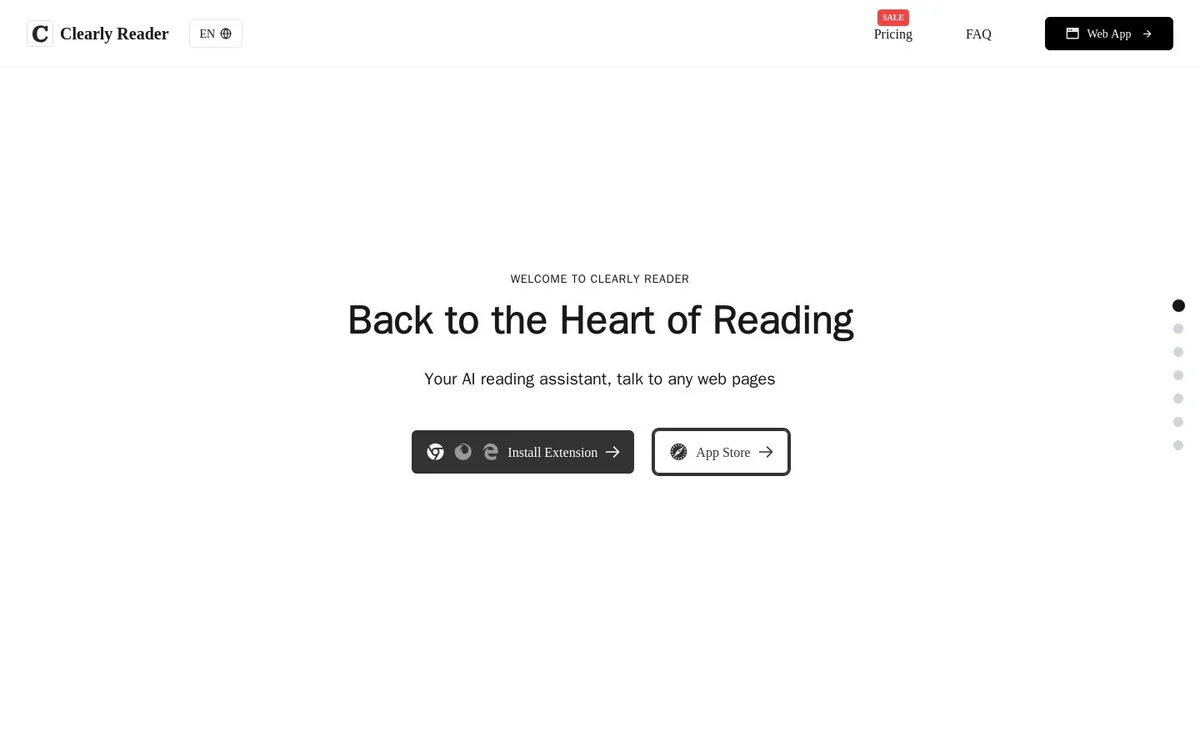
Clearly Reader is a browser extension and app that provides a premium distraction-free reader mode for web content. It enhances online reading by removing distractions and ads while adding AI-powered tools such as summaries, translation, text-to-speech, and export capabilities for more comfortable and efficient reading.
コア機能
Readability
Removes advertisements, floating texts, and other distractions for a pure, attentive reading experience.
Text-to-Speech
Browser TTS and Microsoft engine with selectable voice, rate, and pitch configuration to boost understanding and retention.
Translate
Quickly translates text word by word or by paragraph for multilingual reading support.
Multi-themes and Custom Fonts
Multiple themes including dark and light modes plus full customization of fonts (including system fonts), size, colors, line spacing, and margins.
AI Reader
AI enhancements including intelligent summaries, keyword reading, and related tools to improve article understanding.
Skim Mode
Instant AI gist of any page via Alt+S shortcut, providing TL;DR, key points, and outline to decide whether to read fully.
Export/Copy and Clip Article
Export or copy content in PDF, Word, Markdown and other formats; clip articles into bookmarks, RSS, or podcasts.
Article Extractor
Extracts article outline, links, word count, estimated reading time, and related metadata for better navigation.
Export to Third Party
Exports content to external services such as Craft, Obsidian, Pocket, and Instapaper.
使用例
- #1
Distraction-free web reading
Convert any web page into a clean reader mode free of ads and floating elements for focused reading.
- #2
AI-assisted article comprehension
Generate summaries, key points, outlines, and keyword highlights to quickly grasp page content.
- #3
Multilingual reading and translation
Translate web articles word-by-word or paragraph-by-paragraph while reading.
- #4
Content clipping and knowledge export
Save favorite articles and export them to personal knowledge tools or formats for later use.
- #5
Audio reading via TTS
Listen to articles using browser or Microsoft TTS engines with adjustable settings.
料金プラン
Get started for free; site references SALE Pricing and premium features, but detailed plan tiers and costs are not present in the provided snapshots.
代替案







よくある質問
What is Clearly Reader?
What platforms is Clearly Reader available on?
Does Clearly Reader support text-to-speech?
Can I export or save articles with Clearly Reader?
Is Clearly Reader free to use?
How does Skim Mode work?
Clearly Reader 連絡先とソーシャルメディア
- 会社LESSLAB LLC
- サポートメール
- サポート
- ウェブサイト:
- Twitter
レビュー
このツールの使用経験を共有してください...