
Clipchamp
FreemiumAI‑enhanced online video editor – record, edit, and share HD videos in the browser or on Windows.
Informações da ferramenta
O que é Clipchamp?
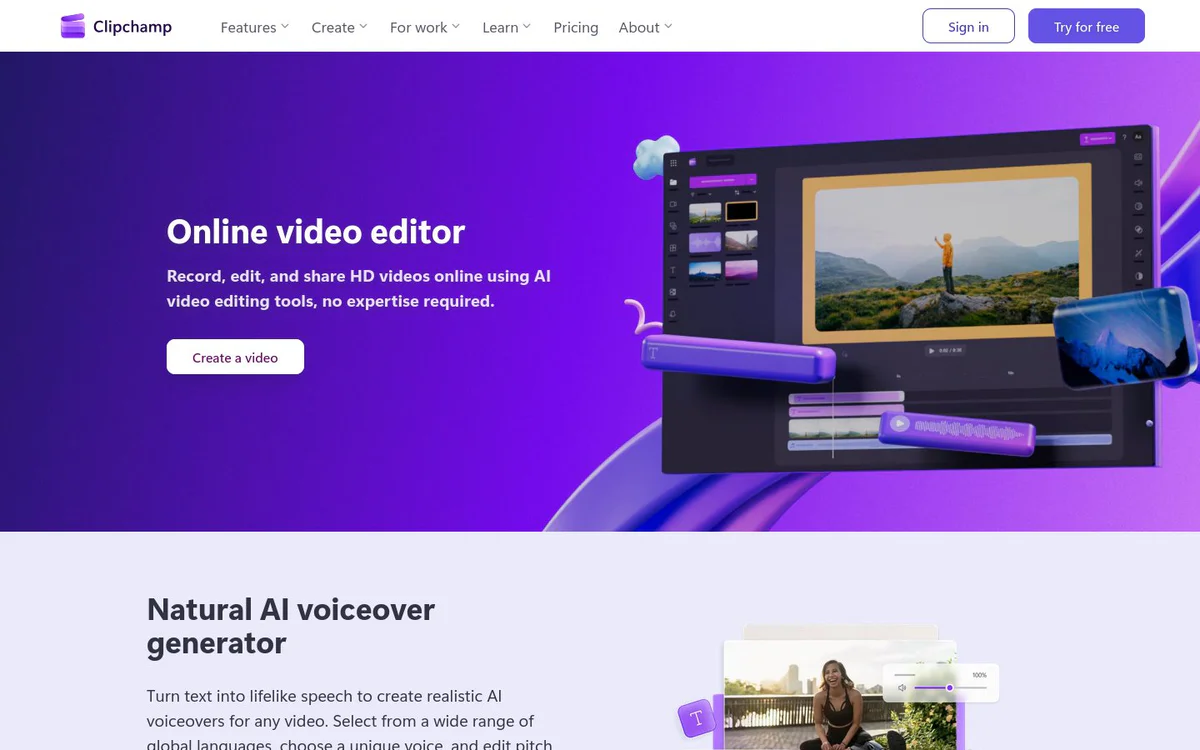
Clipchamp is a web‑based video editor with AI tools that lets users create, trim, add subtitles, generate voiceovers, and apply effects directly in the browser or via a Windows desktop app.
Recursos principais
AI Text‑to‑Speech
Generate lifelike voiceovers in multiple languages from typed text.
AI Subtitle Generator
Automatically create subtitles in over 80 languages and customize style, font, and colors.
AI Background Removal
Remove image backgrounds and replace them with stock video, images, or solid colors.
Green Screen
Swap video backgrounds with stock footage, block colors, or special effects.
Video Trimmer & Cropper
Trim excess footage, rotate clips up to 360°, and crop to any aspect ratio.
AI Audio Enhancer
Clean up background noise, remove silences, and boost voice clarity without quality loss.
Brand Kit
Import your logo, fonts, and colors to keep videos on‑brand.
Screen & Webcam Recorder
Record screen, webcam, or both simultaneously from the browser for free.
Content Library
Access royalty‑free stock videos, images, music, stickers, GIFs and sound effects.
Casos de uso
- #1
YouTube Video Creation
Create, edit, and export videos optimized for YouTube, including Shorts.
- #2
TikTok & Instagram Reels
Produce short‑form vertical videos for TikTok, Instagram Reels, and other social platforms.
- #3
Business & Marketing Videos
Build promo, demo, and ad videos using templates, brand kit, and royalty‑free assets.
- #4
Educational Content
Create instructional videos and presentations for classrooms and e‑learning.
Planos de preços
Free tier provides core editing and AI tools; premium features require a Microsoft 365 subscription.
Alternativas



Perguntas frequentes
Is Clipchamp free to use?
Which platforms can I run Clipchamp on?
Can I add subtitles automatically?
How does Clipchamp help keep my videos on brand?
Clipchamp Contato e mídias sociais
- EmpresaClipchamp Pty Ltd
- Site:
- Twitter
- Facebook
- Instagram
- YouTube
- LinkedIn
- TikTok
Comentários
Compartilhe sua experiência com esta ferramenta...