
Dubble
FreeAI Chrome extension that records your actions into step-by-step guides with screenshots and videos
Informações da ferramenta
O que é Dubble?
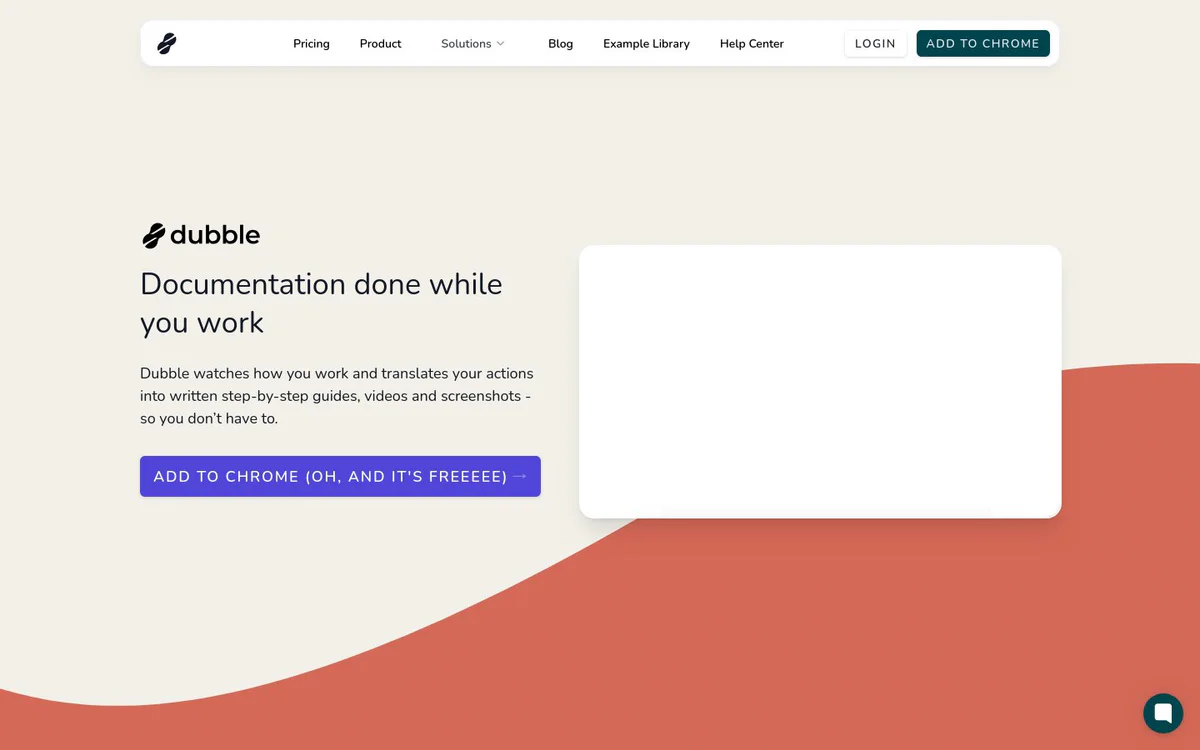
Dubble is an AI Chrome extension that automatically creates, edits, and shares step-by-step documentation, tutorials, and onboarding resources. It captures clicks, keystrokes, videos, and screenshots in real time while you perform tasks, turning your actions into ready-to-use guides without manual writing or screenshotting.
Recursos principais
Automatic action recording and guide generation
Press record and perform a task; AI captures every click and keystroke to generate detailed step-by-step guides with videos and screenshots automatically.
Fast editor for polishing guides
Intuitive editor to refine guides quickly by tweaking descriptions, annotating or redacting screenshots, and selecting new screenshots from existing screencasts.
One-click sharing and export
Share guides with a single click or invite teams to collaborate; copy and paste rich content or markdown to other tools.
Easy documentation updates
Re-record new steps or pull screenshots from prior recordings to keep guides current as processes change.
Casos de uso
- #1
HR and employee onboarding
Create consistent interactive guides for account setup, company policies, and processes to help new hires ramp up faster.
- #2
IT support and help desk
Build visual troubleshooting guides on the fly to reduce ticket resolution times and enable self-service knowledge bases.
- #3
Software development and QA
Document workflows, testing procedures, bug reproduction steps, demos, and pull request context with ease.
Planos de preços
Chrome extension is repeatedly described as free; a Pricing & Plans page is linked but no paid tiers or pricing details are provided in the sources.
Alternativas



Perguntas frequentes
What is Dubble?
Is Dubble free?
How does Dubble create guides?
Can I edit the guides after recording?
Where can I share or export Dubble guides?
Who is Dubble best for?
Dubble Contato e mídias sociais
- EmpresaPaperform
- Site:
- Twitter
- LinkedIn
Comentários
Compartilhe sua experiência com esta ferramenta...