
FaceSymAI
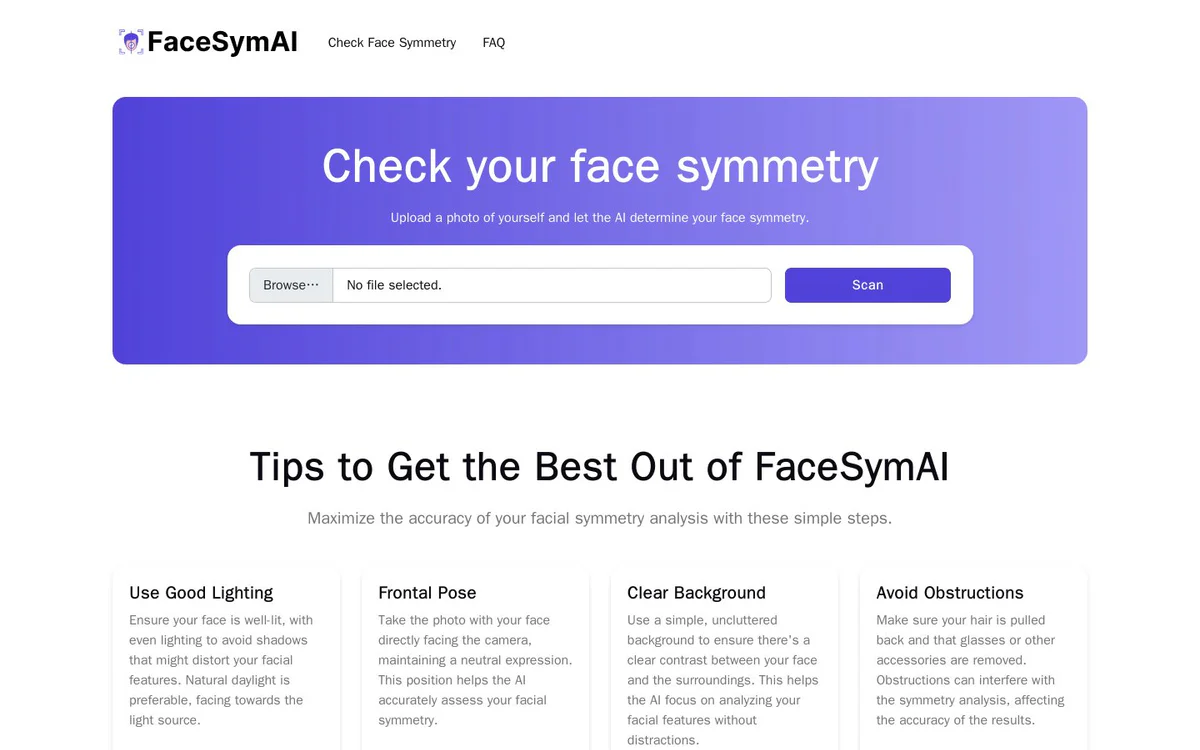
FreeFree web-based AI tool that analyzes facial symmetry from an uploaded photo
Informações da ferramenta
O que é FaceSymAI?
FaceSymAI is a free web-based AI tool that analyzes facial symmetry from an uploaded photo by comparing left and right sides across multiple feature pairs. Users upload a photo so the AI can detect facial features, compare left and right sides for symmetry across key pairs, and generate an easy-to-understand symmetry assessment.
Recursos principais
AI facial symmetry analysis
Upload a photo and let AI analyze facial symmetry across 7 feature pairs including eyes, eyebrows, ears, nose, mouth, and cheeks.
Face recognition and digital mapping
Identifies facial features and creates a digital map of the face as the first step of analysis.
Symmetry analysis and feature comparison
Compares both sides of the face and examines key features such as eyes, nose, mouth, and overall face shape for symmetrical alignment.
Results generation
Provides insights about facial symmetry in an easy-to-understand format based on the analysis.
Photo privacy protection
Uploaded photos are not permanently stored and are used only for the intended analysis with confidentiality and security.
Casos de uso
- #1
Personal face symmetry check
Upload a photo to determine how symmetrical your face is and receive AI-generated insights.
- #2
Understanding facial symmetry concepts
Learn characteristics of symmetrical versus asymmetrical faces and how AI detects them.
- #3
Optimizing photo for accurate analysis
Follow tips on lighting, pose, background, and removing obstructions to maximize analysis accuracy.
Planos de preços
Completely free facial symmetry check; site supported through advertising.
Alternativas







Perguntas frequentes
Is the facial symmetry check free?
Are uploaded photos stored permanently?
What facial features does FaceSymAI analyze?
How does FaceSymAI detect facial symmetry?
Are perfectly symmetrical faces common?
How can I get the most accurate analysis results?
FaceSymAI Contato e mídias sociais
- Suporte
- Site:
Comentários
Compartilhe sua experiência com esta ferramenta...