
Onison
PaidAI‑powered background removal and drop‑shadow tool for professional product images.
Informações da ferramenta
O que é Onison?
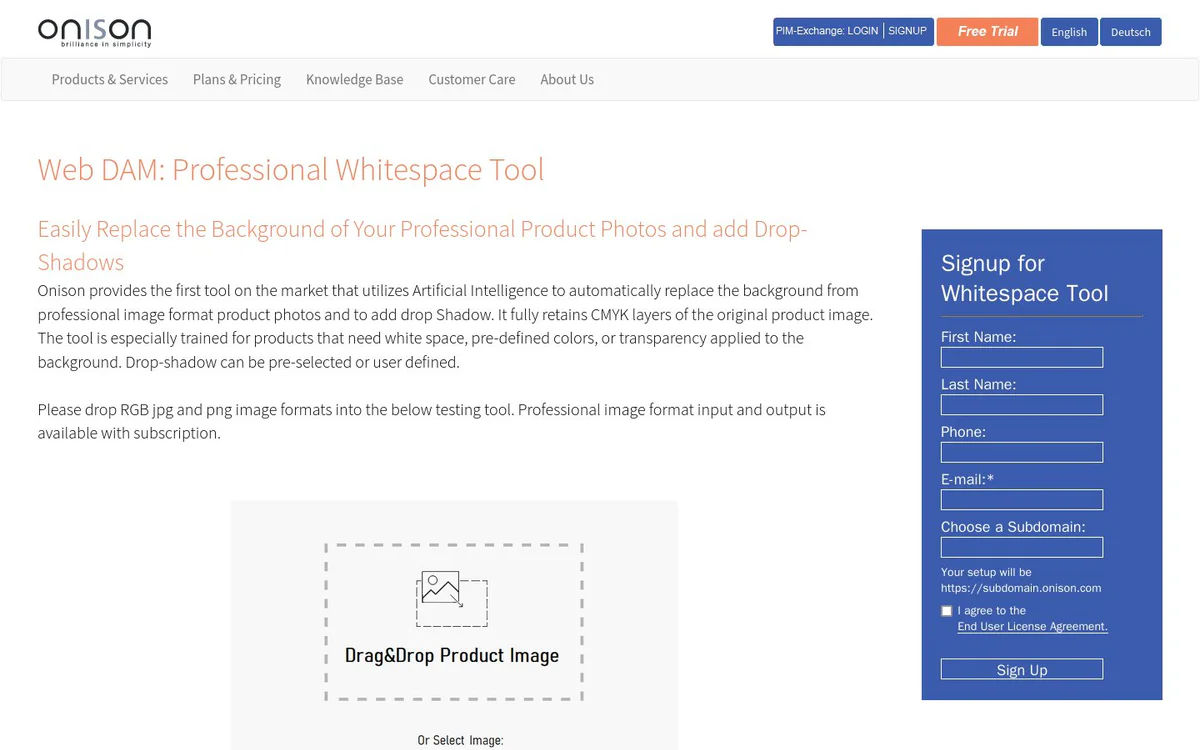
Onison automatically replaces the background of professional product photos and adds drop‑shadows while preserving CMYK layers, delivering print‑ready assets in a single browser‑based workflow.
Recursos principais
AI background removal
Uses artificial intelligence to automatically remove the background from professional product images.
Background replacement
Replaces removed backgrounds with transparent, white‑space, or any user‑defined color.
Drop‑shadow addition
Adds pre‑selected or user‑defined drop‑shadows to the processed images.
Wide format support
Supports CMYK and RGB images in JPG, JPEG, PNG, TIF, TIFF, GIF, DNG (RAW) and BMP formats.
Unlimited uploads & downloads (fair‑usage)
Allows unlimited file uploads and downloads, subject to a fair‑usage policy.
1 GB default storage, expandable
Provides 1 GB of disk space; additional storage can be purchased for $1 per month.
24/7 customer support
Support available 365 days a year, 24 hours a day.
Casos de uso
- #1
E‑commerce product image preparation
Create clean, white‑space or colored backgrounds for product listings and add drop‑shadows to improve visual appeal.
- #2
Catalog and brochure production
Generate consistent background‑free images for automatic catalogue generation and print‑ready assets.
- #3
Brand asset management
Standardize product imagery across brand channels within a digital asset management workflow.
Planos de preços
$20 per month includes 50 background removals with drop‑shadows; additional removals $1 per 5 images; bulk plans start at $0.03 per image; extra storage $1 per month.
Alternativas







Perguntas frequentes
Which image formats does Onison support?
How much storage is included with the subscription?
Is there a limit on the number of uploads and downloads?
Onison Contato e mídias sociais
- EmpresaOnison Corporation
- Telefone
- E-mail de suporte
- Suporte
- Site:
- Twitter
- Facebook
- YouTube
- LinkedIn
Comentários
Compartilhe sua experiência com esta ferramenta...