
GMPlus
FreeFree Google Maps scraper for business leads — extract emails, phones, addresses, and social profiles to CSV or Excel
Информация об инструменте
Что такое GMPlus?
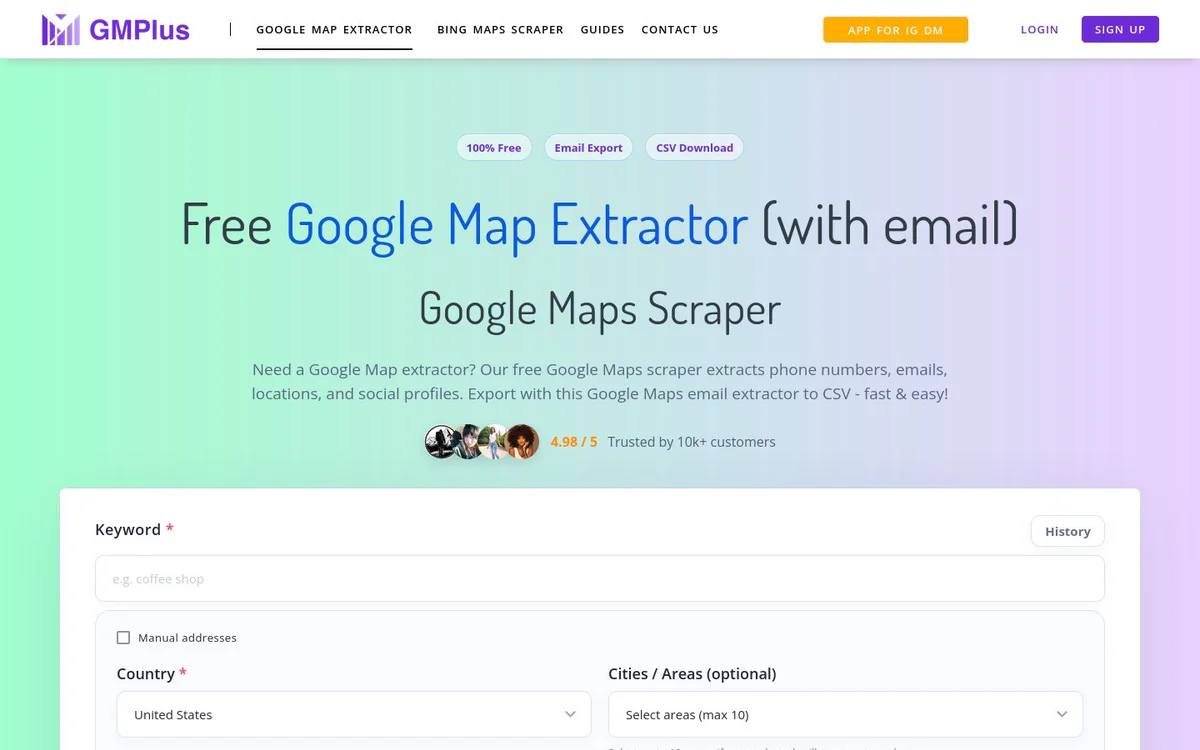
GMPlus is a free browser extension that scrapes Google Maps business listings for contact details including emails, phone numbers, addresses, and social profiles, then exports them to CSV or Excel. It enables lead generation by extracting structured business data from Google Maps searches, including phones, emails, locations, websites, and social media profiles.
Основные функции
Multi-field Google Maps data extraction
Scrapes extensive business fields such as name, phone, email, social media URLs, website, domain, full address, street, municipality, categories, description, about, claimed status, price level, plus code, time zone, review count, reviews, photos, average rating, review URL, Google Maps URL, Google Knowledge URL, latitude, longitude, opening hours, featured image, Fid, Cid, Place Id, and Kgmid.
Email and phone extraction
Extracts phone numbers and emails associated with Google Maps business listings for lead generation.
Social media profile discovery
Discovers and extracts social media profile URLs including Facebook, Instagram, LinkedIn, YouTube, Yelp, Twitter, and others.
CSV and Excel export
Automatically collects scraped data and downloads it to the device as CSV, with an option to export a detailed list for full datasets compatible with Excel.
Chrome and Edge browser extension
Installable as a free browser extension for Chrome and Edge that works directly with Google Maps searches for one-click extraction.
One-click scraping workflow
After adding the extension and searching on Google Maps, users click Start Extracting to scrape results and export data.
Варианты использования
- #1
Business lead generation
Search Google Maps for businesses by location or category and extract contact details such as phones, emails, addresses, and social profiles for sales outreach.
- #2
Local business contact enrichment
Gather phone numbers, emails, websites, and social links from Google Maps listings to build or enrich lead lists.
- #3
Export of Google Maps search results
Convert Google Maps search results into downloadable CSV or Excel datasets of business information.
Тарифные планы
Marketed throughout as a free Google Map extractor with Start for free, free-to-use, and free benefit claims; a Plan & pricing section exists on the homepage but no plan details, prices, or paid tiers appear in the provided snapshot.
Альтернативы







Часто задаваемые вопросы
What is GMPlus?
What data can GMPlus extract from Google Maps?
Is GMPlus free to use?
Which browsers does GMPlus support?
How do I export the scraped data?
How does the one-click scraping workflow work?
GMPlus Контакты и социальные сети
- Поддержка
- Веб-сайт:
- Twitter
- YouTube
Отзывы
Поделитесь своим опытом использования этого инструмента...