
Motion
UnknownAI-powered productivity superapp that unifies project management, tasks, calendar, meetings, docs, notes, reports, and workflows.
Информация об инструменте
Что такое Motion?
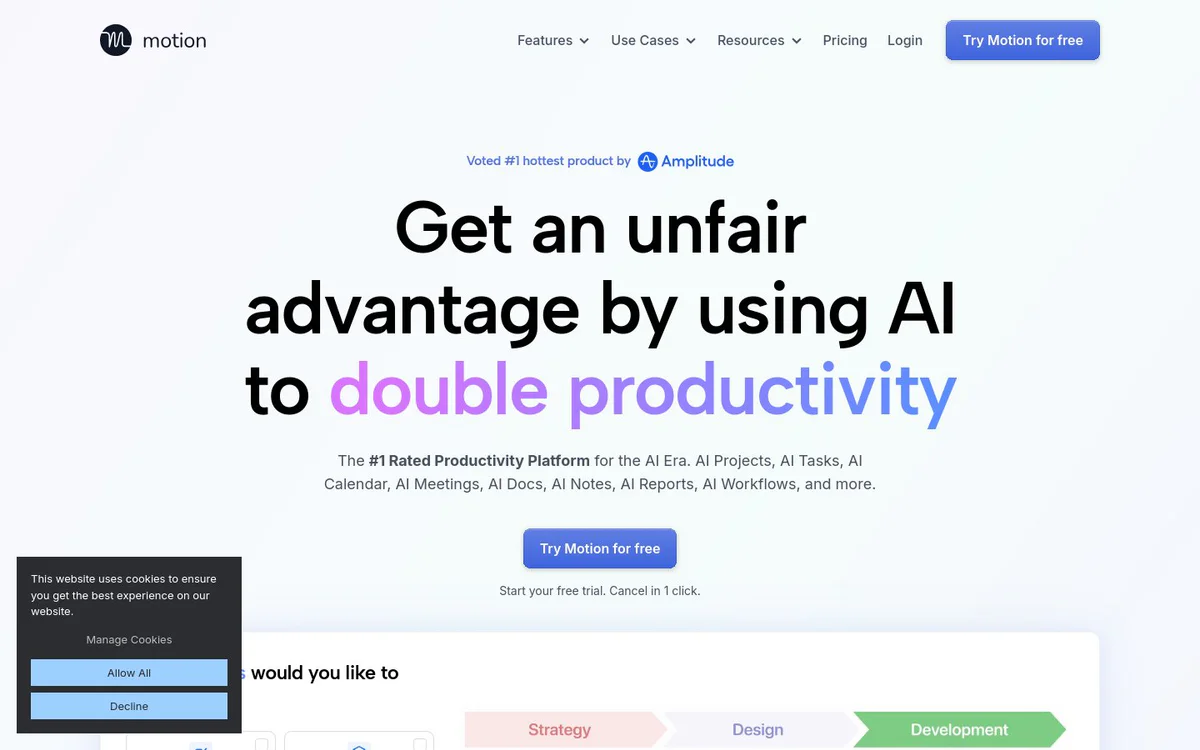
Motion is an AI-powered productivity superapp that helps individuals and teams increase productivity by automatically planning projects, prioritizing tasks, scheduling work, capturing meeting notes, organizing documents, and completing multi-step work with business context. It unifies project management, tasks, calendar, meetings, docs, notes, reports, and workflows into one platform built for individuals and teams of all sizes.
Основные функции
AI Project Manager
Plans and manages projects automatically, including generating projects and managing statuses with less manual babysitting.
AI Gantt Chart
Visualizes projects over time with auto-scheduling.
AI Workflows
Automates repeatable projects and SOPs, including AI workflow building based on SOPs.
AI Task Manager / Planner
Organizes and prioritizes tasks automatically based on priorities, dependencies, deadlines, durations, and preferences, optimizing plans throughout the day.
AI Calendar
Auto-plans the day with smart scheduling and helps schedule meetings automatically.
AI Meeting Assistant
Simplifies meeting scheduling and booking links.
AI Meeting Notetaker
Auto-captures meeting notes and summaries, produces action items and follow-ups, supports recordings and transcripts, and integrates with docs, calendar, tasks, and projects.
AI Chat
Context-aware AI chat that answers questions and performs multi-step complex work using projects, docs, folders, meetings, calendars, and sheets, with citations and verifiable answers.
AI Docs Assistant
Helps write and organize docs faster, drafts and proofreads, and can turn document content into organized projects and tasks.
AI Dashboards
Tracks project progress in one view.
Integrations and API
Connects favorite tools, passes data between tools, and provides a robust API with documentation for internal or external systems; supports gathering tasks from other apps including email forwards.
Варианты использования
- #1
Automatic project and task planning
Create and manage projects and prioritized task plans with AI so teams spend less time on manual status tracking and scheduling.
- #2
Daily time and calendar planning
Use AI calendar and task planning to auto-schedule work, reduce conflicts, and avoid missed deadlines.
- #3
Meeting preparation, notes, and follow-up
Prep meetings, capture notes and action items, and generate follow-ups with AI meeting and chat capabilities.
- #4
Document and knowledge work
Write, organize, and convert docs into actionable projects and tasks while searching workspace content with citations.
- #5
Service business and team operations
Support service businesses and functional teams such as agencies, law firms, consulting, sales, startups, and executive teams with unified AI productivity tools.
- #6
Multi-step operational workflows via AI Chat
Run complex prompts that gather data, draft communications, update sheets, create tasks, and schedule reviews using workspace context.
Тарифные планы
Official pages promote a free trial with cancel-in-1-click messaging. Full plan names, prices, and free-vs-paid feature limits are not detailed in the provided snapshots.
Альтернативы







Часто задаваемые вопросы
What is Motion?
What are the main features of Motion?
Who is Motion designed for?
Does Motion offer a free trial?
What integrations does Motion support?
How does Motion’s AI Chat work?
Where can I find support for Motion?
Motion Контакты и социальные сети
- Поддержка
- Веб-сайт:
Отзывы
Поделитесь своим опытом использования этого инструмента...